


How to Run a Social Wall at Your Company Holiday Party
Published on November 2, 2026
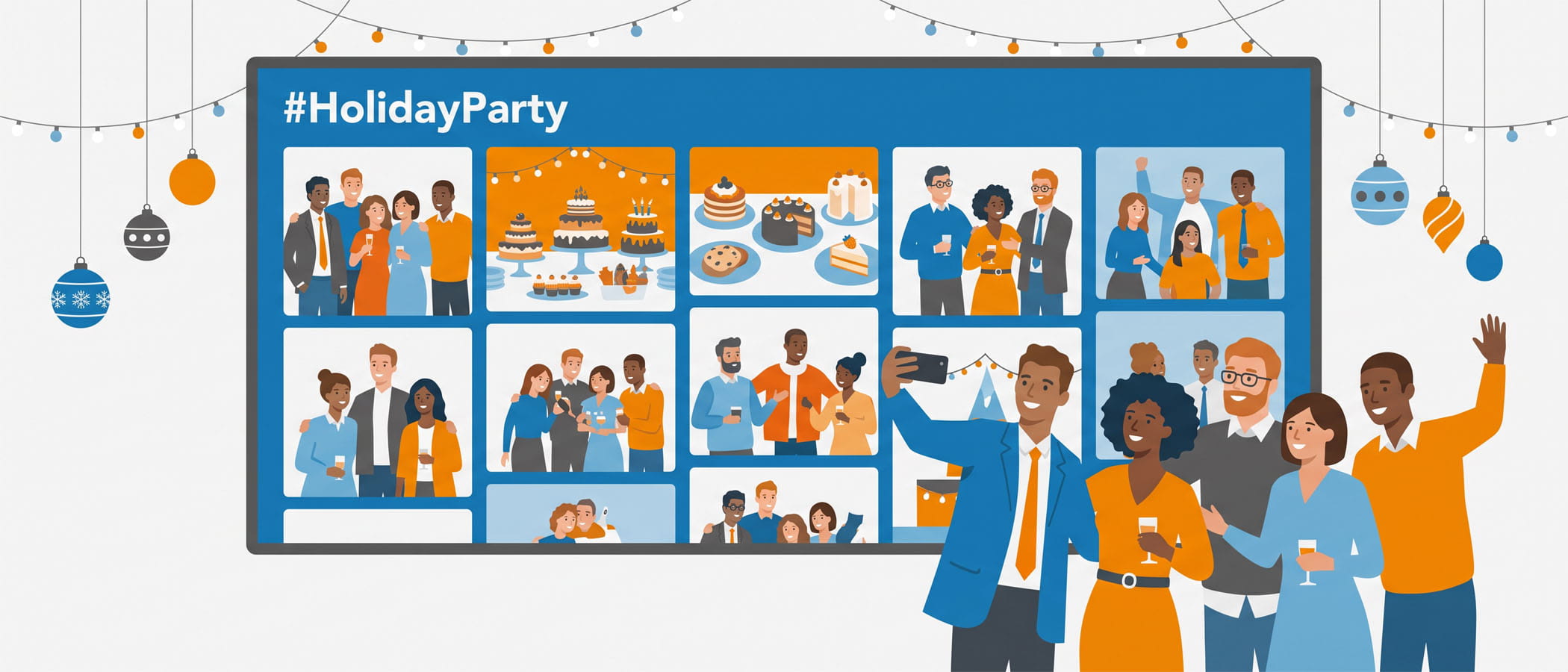
Picture the moment right after a team toast, when everyone is laughing and a few people pull out their phones to snap a picture. At most company parties, those photos vanish into camera rolls and nobody sees them again. A holiday party social wall catches those pictures, those shout-outs, and those short messages, then puts them up on a big screen for the whole room to enjoy while the party is still going.
That is the whole idea. The wall takes the fun people are already having and shows it back to them in real time. It gives guests something to look at between the food, the drinks, and the dancing, and it keeps the energy going without anyone needing to run a game or grab a microphone.
If you are reading this in October or November, your timing is good. December parties book their vendors early, and the companies that wait until the last week usually have fewer choices. The nice thing about a social wall is that it does not need months of planning. You can set one up quickly and have it ready for a single evening. Keep reading and you will see exactly how to do it, from collecting photos privately to saving everything after the lights come up.
Why Parties Beat Meetings for Wall Content
A social wall at a regular company meeting can feel a little flat. People are tired, they are watching slides, and nobody wants to post about a budget review. A holiday party is the opposite. People are relaxed, they are dressed up, and they genuinely want to share what they are seeing.
Here is the kind of content that shows up at a party and makes a wall worth watching:
- Photos. Group shots, candid pictures from the dinner table, and the obligatory photo of the dessert spread.
- Toasts and quotes. Someone shares a funny line from a speech or a kind word about the year the team had.
- Shout-outs. Coworkers thanking each other, calling out a win, or welcoming new hires who joined over the year.
- Reactions to the venue and the food. Simple, in-the-moment posts that other guests nod along to when they see them on screen.
All of this is content people are already making. The wall just gives it a place to go. If you want more ideas on the kinds of prompts and posts that pull people in, our guide on social wall content ideas goes deeper on what gets a crowd to join in.
Private Posting Fits a Company Party
Not everyone wants to post a company party photo on their public Instagram or LinkedIn. Some people keep their work life and personal life separate, and that is completely fair. The good news is that a social wall does not require anyone to post publicly.
With Everwall, guests can add photos and messages through a QR code web form or by text message. Here is how both work:
QR web form
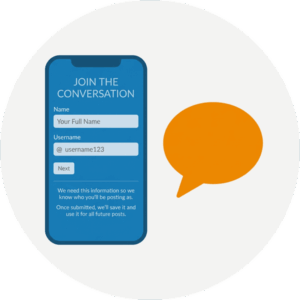 You print a QR code and put it on tables, near the bar, and by the photo area. A guest scans it with their phone, a simple form opens in their browser, and they pick a photo and type a short message. It goes straight to your wall. No app to download, no social account needed, and nothing shows up on their own feeds.
SMS posting
People who would rather text can send a photo and a caption to a number you set up for the night. This is great for older guests or anyone who does not want to fuss with a form. They text, it appears on the wall, and that is it.
Both options keep posting private between the guest and your event. For a fuller look at collecting posts without anyone needing a social account, read getting event attendees to post without social media. This private approach is often the thing that gets quiet coworkers to join in, because the pressure of a public post is gone.
Put Photo Booth Pictures on the Big Screen
Photo booths are a staple at holiday parties, and they pair really well with a social wall. Instead of booth photos only printing out and getting tucked into a coat pocket, you can send those pictures straight to the big screen.
When a booth photo pops up on the wall a few seconds after it is taken, people point, laugh, and head over to take their own. It creates a little loop where the booth feeds the wall and the wall sends people back to the booth. Many photo booth setups can share photos automatically, so once it is connected, you do not have to do anything during the party. The pictures just flow in on their own.
If your venue has more than one screen, you can show the wall in a few spots so people in every corner of the room get to see the fun.
Simple Prompts That Get People Posting
A blank wall at the start of the night can make guests unsure of what to do. A few clear prompts fix that. You do not need anything clever. Short and specific works best at a party, because people are holding a drink and do not want to think too hard.
Try prompts like these:
- “Share a photo with someone you don’t usually get to work with.”
- “Post your favorite moment from this year, in one sentence.”
- “Snap the best plate of food you see tonight.”
- “Give a shout-out to a coworker who made your year easier.”
- “Show us your best holiday outfit.”
Put the current prompt on a sign near the QR code, or rotate it on the screen every so often. Change it once or twice through the night to keep things fresh. If the party has a theme or an awards moment, tie a prompt to it so the posts match what is happening in the room. For even more party-flavored ideas, our list of work social event ideas has angles you can borrow.
A Light Moderation Plan for the Night
You want the wall to stay fun and friendly, but you do not want to spend the whole party staring at a laptop. A light moderation plan handles both.
Decide your approach ahead of time
You have two main choices. You can approve each post before it shows up, which gives you full control, or you can let posts appear automatically and remove anything off during the night. For a company party among coworkers, many teams feel comfortable with the second option, with one person keeping half an eye on things.
 Pick one person to watch it
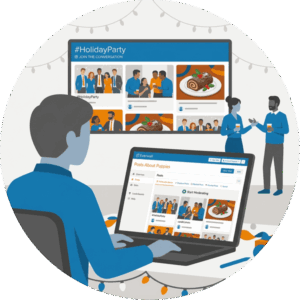
Assign a single coworker to glance at the wall now and then from their phone. They are not chained to a screen. They just check in between courses and clear anything that does not fit. Since everyone at the party is an employee, there is rarely much to catch.
Set a quick ground rule
A short line on your QR sign, something like “Keep it kind and keep it clean,” does most of the work. People behave when the rule is written down and easy to see.
If you want a deeper walkthrough of keeping a wall tidy, our piece on social wall moderation best practices covers it in plain terms.
After the Party: Save Everything as a Keepsake
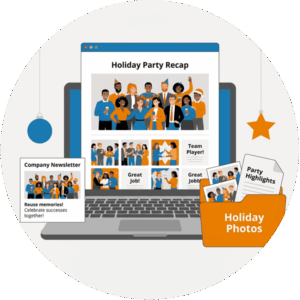
When the night ends, the photos and messages do not have to end with it. With Everwall, you can download every photo and every message after the party. That single download turns into a few useful things.
First, it is a keepsake. The collection of pictures captures the whole evening the way staged photos never could, because it came from the guests themselves. Second, it is fuel for internal communications. Your company newsletter, your intranet, your next all-hands slide, or a “year in review” post all get easier when you already have a folder full of real photos and kind words from the team.
Everwall also has a feature called Everwall Wrapped, which packages the best of your event’s posts into a recap you can share afterward. It is a simple way to give the party a second life once everyone is back at their desks.
One Event Day Is Usually All a Party Needs
A holiday party is one night, and a social wall is priced to match that. You do not need a long contract or a monthly plan for a single evening. Everwall’s Event Social Wall is sold by the event day, so you pay for the day of your party and you are done.
Setup is self-service, which means you can build the wall yourself without waiting on anyone. You choose from a dozen layouts, turn on the QR web form and SMS options, and you are ready. The wall updates in real time, so posts appear within seconds of someone sending them. It can also pull from the social networks people already use, including Instagram, Facebook, and LinkedIn, if some guests do want to post publicly.
There is one more handy extra. Your event wall can be embedded on a web page at no added cost. If your company uses an event app or an internal page, you can drop the same wall there so people who step away for a minute can still follow along. For teams that want a hand with the whole thing, a full-service option exists where the Everwall team designs and runs it for you, but for most holiday parties the self-service route is quick and plenty.
If you are comparing a few platforms before you commit, the six questions to ask before you choose a social wall is a short, honest checklist.
Bringing It All Together
 A holiday party social wall takes the photos, toasts, and shout-outs people are already making and turns them into the entertainment for the evening. Private posting through a QR code or text means nobody has to share company party photos publicly, photo booth pictures land on the big screen on their own, and a few simple prompts keep the posts coming. A light moderation plan keeps it friendly without tying anyone to a laptop, and a single download at the end gives you a keepsake and ready-made content for your internal channels.
For a company holiday party, that is a lot of value for one evening of setup. And since December vendors fill up fast, getting yours booked now means one less thing to chase in the busy weeks ahead.
Ready to put your team’s holiday photos on the big screen? Everwall’s Event Social Wall is self-service, priced by the event day, and quick to set up. One event day is usually all a party needs. Build yours and let the room enjoy the night together.
Pretty good, right? Share this with your people.


