


Getting Event Attendees to Post Without Social Media
Published on April 6, 2026
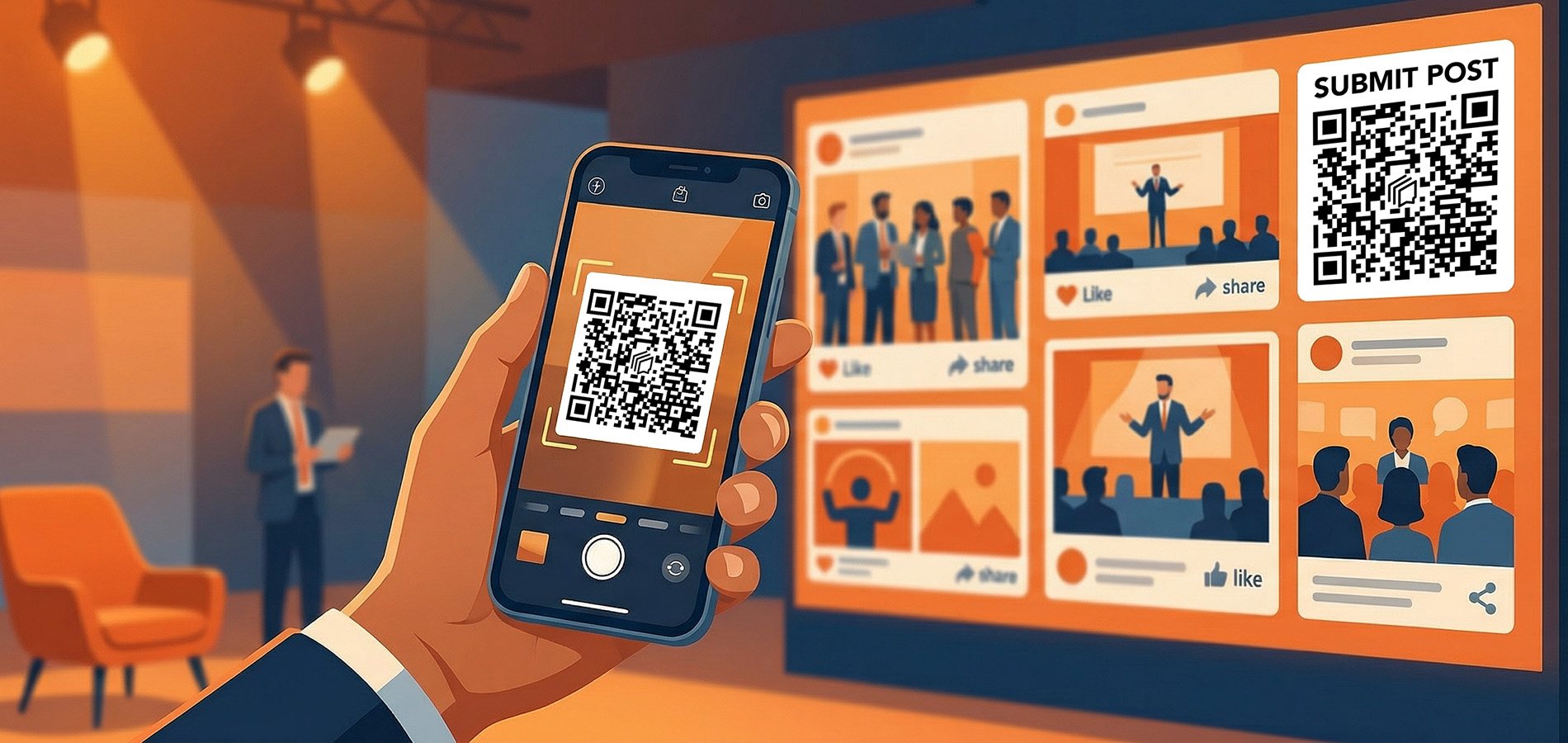
You set up a beautiful screen for your social wall. The hashtag for your event has been created. You told everyone about it during the opening remarks. And then… nothing. The screen sits there, showing the same three posts from your own team members while hundreds of attendees scroll through their phones, completely unaware they could be part of the experience.
This happens more often than most event planners want to admit. The technology works fine. The problem is that participation requires too many steps, too much public exposure, and too much effort for most people to bother. It’s why more planners are looking for social walls that let attendees submit content directly—through a QR code, a web form, or both—without needing a social media account at all.
Consider what you’re asking attendees to do: Open a social media app. Compose a post. Remember the hashtag and spell it correctly. Decide if they want their name and photo attached to something displayed on a giant screen. Wait for it to appear. That’s a lot of friction standing between your audience and actual engagement.
Giving attendees a direct path to your social wall, through a QR code that opens a simple web form, changes this equation entirely. Instead of asking people to navigate social platforms or remember hashtags, you give them a direct path to participation.
One scan, one submission, done.
This article walks through exactly how to use QR codes to increase participation at your events, including where to place them, what prompts actually work, and how to keep your display safe and high-quality.
The Three Barriers to Event Participation
Before diving into solutions, it helps to understand why people don’t participate in the first place.
They Don’t Know What to Post
Standing in front of a blank text box is surprisingly intimidating. “Share your thoughts!” sounds simple until you’re the one trying to think of something clever or meaningful to say in front of hundreds of strangers. Most people freeze up and move on.
They Don’t Want to Post Publicly
Not everyone has a social media account. Among those who do, many prefer to keep their profiles private or separate from professional events. Asking someone to post on X or Instagram means asking them to attach their personal identity to your event content forever. For introverts, private people, or those concerned about their digital footprint, this feels like too much.
It Feels Like Extra Work
Even motivated attendees often skip participation because it requires too many steps. Finding the app, remembering the hashtag, typing out a post, and waiting for it to appear takes time and attention away from the event itself. When the keynote speaker is about to start or lunch is being served, that friction wins.
Why Social Walls With QR Codes and Web Forms Get More Participation
A QR code that opens a simple web form removes most of these barriers at once.
Instead of requiring social media accounts, a QR code can link directly to a web form where anyone can submit text, photos, or questions. No app download needed. No account required. No hashtag to remember.
This approach works for several reasons:
Fewer steps mean more submissions. The path from “I want to participate” to “I submitted something” shrinks from six or seven steps down to two or three. Scan, type, submit.
Participation feels optional and low-pressure. When someone scans a QR code and opens a simple form, they’re not broadcasting to their entire social network. They’re just sending a message to the event. This feels safer for people who want to contribute without the public exposure.
It includes everyone. Your attendees who don’t use social media can finally participate. So can those who prefer to keep their personal accounts separate from work events. The QR code levels the playing field.
It works across every device and demographic. Whether someone scans a QR code or gets the link shared in a chat, they land on the same simple form. No app, no account, no barrier.
Platforms like Everwall support this kind of direct submission through a feature called Everwall Direct, which creates a simple web form accessible via QR code. Attendees scan, submit their content, and it appears on your social wall. No social media required.
Where to Place QR Codes for Maximum Participation
The best QR code placement puts the opportunity to participate directly in front of people during natural pauses. Here’s where to focus:
Entry Points
Registration desks, check-in tables, and entrance areas are prime real estate. People are already standing still, often waiting briefly, with their phones in hand. A sign that says “Scan to join the conversation” gives them something to do.
Seating Areas and Tables
Whether it’s a banquet table at a gala or a row of chairs at a conference, people sitting down have time to look around. Table tents or seat-back cards with QR codes catch attention during those moments between sessions or courses.
Near Stage Screens
If you’re displaying the social wall on screens near the stage, put QR codes nearby. When people see content appearing in real time, they naturally want to join in. Make it easy by putting the scanning opportunity right there.
On Badges or Lanyards
Print a small QR code directly on attendee badges. This puts the participation option literally around their neck all day. Add a short prompt like “Scan me to share your takeaway” to make the purpose clear.
In Presentation Slides
Ask speakers to include a QR code slide between sessions or during Q&A segments. A moment of “Take out your phones and scan this to submit your questions” can generate a wave of participation.
On the Social Wall
Make sure the social wall itself shows the QR code too. There’s nothing better than seeing post appearing near a call to action that says to “scan the QR code to participate” yourself.
For more ideas on designing participation into your events, check out our guide on audience participation.
What Prompts Actually Get Submissions
“Share your thoughts” rarely works. Specific, easy-to-answer prompts generate far more responses.
The best prompts share a few characteristics: they’re specific enough to answer quickly, low-risk enough that people feel comfortable responding, and interesting enough to be worth the effort.
Here are prompts that consistently work:
“Shout out your team” — People love recognizing their colleagues. This prompt is easy to answer and makes the responder feel good about participating.
“Best takeaway so far” — After a morning of sessions, asking for one useful insight gives attendees a simple, specific thing to share.
“Post a photo of your table” — Visual prompts generate content quickly because taking a photo is faster than composing a thoughtful message.
“Drop a question for the speaker” — This works especially well when the speaker commits to answering questions from the wall. It ties participation to a direct benefit.
“What should we do next year?” — At the end of an event, this prompt feels collaborative rather than performative. People share genuine feedback because it might actually influence future events.
Rotate your prompts throughout the day to keep the content fresh and give people new reasons to participate. A prompt that works at 9 AM might feel stale by 3 PM.
For more prompt ideas, see our article on social wall content ideas that get people to participate.
How to Keep Your Social Wall Safe and High-Quality
Opening up direct submissions means giving up some control over what appears on your display. This is manageable with the right approach.
Use Moderation
Most social wall platforms offer moderation settings that let you review submissions before they appear publicly. Turn this on. Assign someone to watch the queue and approve appropriate posts while filtering out anything off-topic or inappropriate.
Set Clear Guidelines
Tell people what you’re looking for. A simple note near the QR code that says “Keep it professional and positive” sets expectations without being preachy. People generally follow the guidelines when they know what they are.
Have a Backup Plan
If something inappropriate does slip through, make sure someone has the ability to remove it quickly. Test this process before the event so you’re not scrambling during the keynote.
Everwall includes built-in moderation tools that make this process straightforward. You can set submissions to require approval before display, remove posts with a single click, and even set up keyword filters to catch obvious problems automatically.
For a deeper look at moderation best practices, check out our guide on social wall moderation.
A Simple Participation Playbook
Here’s a practical timeline for making QR codes on your social wall successful:
Before the Event
Choose three to five prompts that match different moments in your agenda. Plan where each QR code will go and what signage you’ll need. Test the entire flow from scanning to display. Brief your team on moderation responsibilities.
During the Event
Start with a welcoming, easy prompt. Rotate to more specific prompts as the day progresses. Announce the QR code option from the stage at least twice. Have someone monitoring the moderation queue continuously.
After the Event
Don’t let that content disappear. The posts your attendees created can live on through a website embed or social media hub. Use the best submissions in your post-event recap emails. Share highlights on your own social channels to extend the conversation.
This kind of content reuse not only extends the value of your event but also gives attendees recognition for their contributions, which makes them more likely to participate next time.
Making Direct Submission Part of Your Event Strategy
Social walls with direct submission—whether via QR code, web form, or a shared link—work best when they’re designed into the event experience, not tacked on as an afterthought. Think about participation during your planning process, not the week before.
Consider how the wall fits with your other engagement tools. If you’re using conference engagement tools like polling or live Q&A, the QR code wall can complement these by capturing more informal, social content while the structured tools handle direct feedback.
The goal isn’t to get everyone to post. It’s to make participation easy enough that people who want to engage can do so without friction. Some attendees will never submit anything, and that’s fine. The ones who do participate create content that makes the event feel more alive for everyone.
When participation feels optional and low-pressure, more people choose to join in. When it requires social media accounts, hashtag memory, and public posting, most people opt out.
Including a QR code for direct submissions on your event’s social wall removes the barriers. It turns “maybe later” into “why not right now.”
Ready to make participation easy at your next event? Everwall’s Event Social Walls support direct submissions through Everwall Direct, which is a simple web form attendees reach by scanning a QR code, clicking a link, or getting it shared in chat. No social media account required. With built-in moderation, real-time updates, and 12 different layout options, you can create an engaging display that actually gets used.
Pretty good, right? Share this with your people.


