


How to Turn Gala Guests Into a Live Fundraising Feed
Published on November 4, 2026
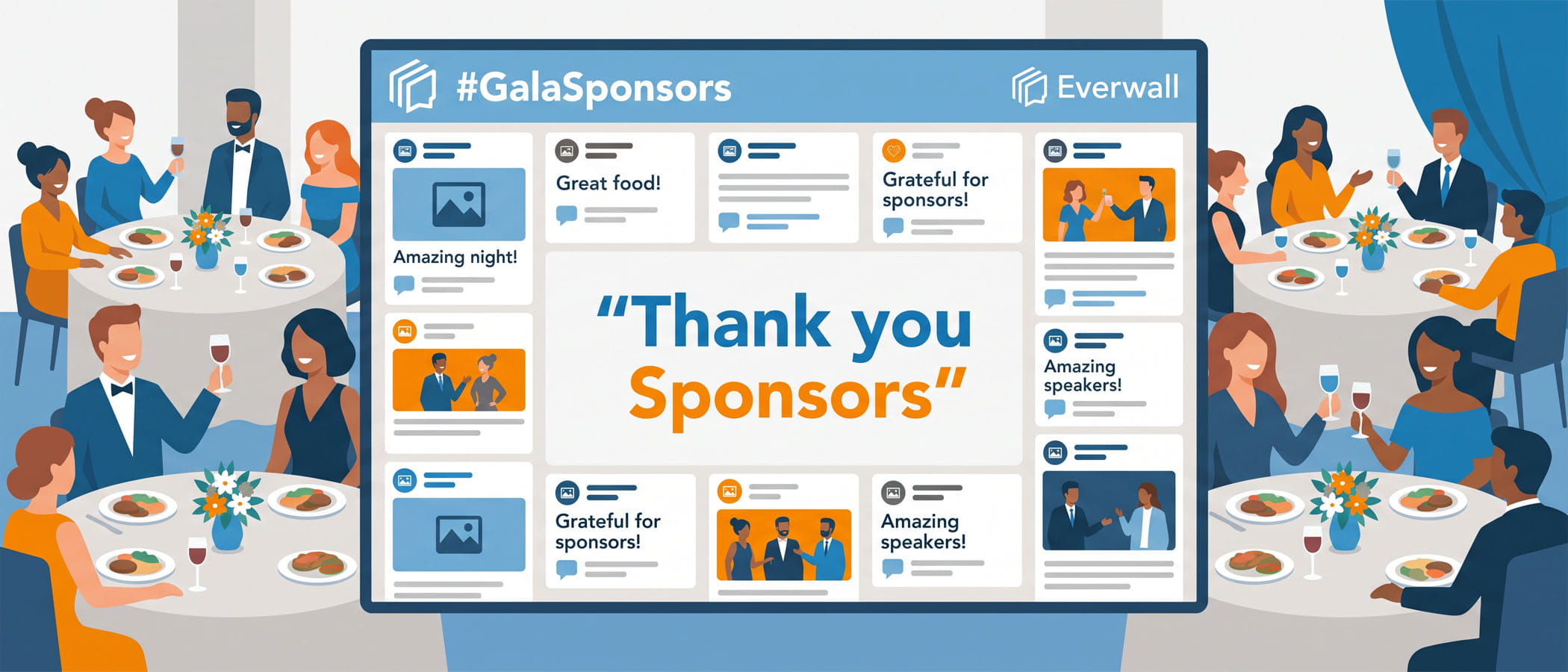
Picture the moment during a gala when the paddle raise starts. The emcee calls out a number, a card goes up, and the room claps. Then it goes quiet again until the next gift comes in. Most of the energy lives in short bursts, and the people sitting at the back tables can barely tell what is happening.
A gala social wall changes how that moment feels. It is a large screen (or several screens) that shows donor names, short messages, tribute notes, and photos as they come in during the night. Instead of generosity happening one gift at a time in a corner of the room, everyone can see it build. A charity event live feed keeps the whole room looking in the same direction, and that shared attention is what pushes the next person to give.
This article is a close look at how to run that feed well at a fundraiser. If you are still working through the bigger picture of your event, pair this with our guide on how to fundraise for a non-profit for the full plan. Here, we are focused on the screen and what goes on it.
Donation Recognition That Happens in Real Time
The strongest reason to run a gala social wall is simple: people like to be seen for giving, and other people like to see it happen.
When a gift comes in, the donor’s name and a short message can appear on screen within seconds. During the paddle raise, this turns a list of numbers into a living list of names. A guest who is still deciding whether to raise their paddle sees three or four names pop up ahead of them, and that nudge often tips them over.
Here are a few ways nonprofits put real-time recognition on the wall:
- Paddle raise call-outs. As each level fills (the $5,000 givers, then the $2,500 givers), names scroll across the screen so the whole room can applaud together.
- Gift announcements from your donation platform. If your giving tool can send a web entry, each completed gift can post to the wall automatically with a name and a thank-you line.
- Donor shout-outs with messages. Let givers add a sentence about why they gave. “For the kids at Lincoln Elementary” reads very differently than a dollar amount.
A quick note on names and amounts: always ask permission before you show a dollar figure next to someone’s name. Many donors are happy to show their name but not the size of their gift. Give them the choice on the form.
Tribute and Memorial Walls Through Web Forms
A lot of giving at galas is tied to a person. Someone donates in memory of a parent, or in honor of a nurse who helped their family, or to mark a friend who is in the room that night. These stories are the heart of the evening, and they usually stay hidden on a pledge card.
A web form fixes that. With Everwall, guests can open a short link or scan a QR code at their table, type a tribute, and send it straight to the screen. We call this feature Everwall Direct, and it does not require anyone to have a social media account.
What to put on a tribute wall
A tribute or memorial wall works best when you keep the form simple. Ask for:
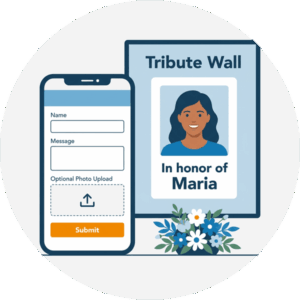 A name (theirs, or the person they are honoring)
- A short message, with a character limit so it fits on screen
- An optional photo
Keep it dignified
Memorial content needs a slower, calmer pace than the rest of the night. If your wall lets you set different layouts for different moments, use a quieter one during a tribute segment. Our guide to building an accessible social wall covers pacing and contrast settings that help here, since messages that honor someone should be easy to read and never flash by too fast.
When a tribute names someone in the room, that person feels it, and so does everyone at their table. That feeling often turns into a gift.
SMS Participation for Donors Who Skip Hashtags
Here is a problem a lot of gala planners run into. Your donor base skews older, and many of your biggest givers do not post on Instagram or X. If your only way onto the wall is a hashtag, you have quietly locked out the people writing the largest checks.
Text messaging solves this. Everwall supports SMS as a content source, which means a guest can send a message to the wall using the one app that sits on every phone, young or old. No account, no app download, no learning a new platform.
For a fundraising crowd, SMS tends to pull in the donors who matter most:
- Older major donors who carry a phone but never open social apps
- Guests who do not want to post publicly but are glad to send a private note that shows on the room’s screen
- Table hosts who want to recognize their guests without fumbling through an app during dinner
Put the text-in number and keyword in a few easy-to-find places: on the table cards, on the screen itself between messages, and in whatever the emcee says from the stage. When the entry method is a text message, participation goes up across every age group, not just the youngest tables. If you want more detail on collecting posts from people who avoid social apps, our piece on running a social wall without social media walks through QR codes, prompts, and setup.
Working the Wall Into the Emcee’s Script
A gala social wall does very little on its own. The screen matters most when the person holding the microphone points to it and reads from it.
The emcee is your link between the quiet screen and the loud room. A good host weaves the wall into the program instead of letting it run as background decoration. A few ways to script this:
Read messages aloud
Between program segments, have the emcee pull two or three messages off the wall and read them to the room. A heartfelt tribute read out loud lands far harder than the same words scrolling by unread. This also tells guests that posting actually does something, which makes more of them post.
Announcement takeovers for match moments
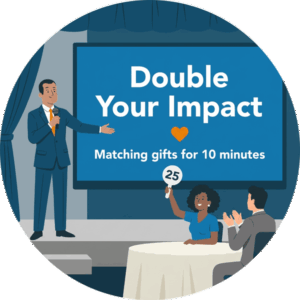 Match gifts are one of the best tools a gala has, and the wall can make them land. When a donor steps up with a matching pledge, switch the screen to a full takeover: a big, clear message that every dollar given in the next ten minutes is doubled, with a countdown or a running tally if your setup allows it. The emcee calls it from the stage, the screen backs it up, and the room moves together.
Set cues ahead of time
Give the emcee and your wall operator a shared run-of-show. Mark exactly when the wall should go quiet, when it should switch to tribute mode, and when it should flip to a match takeover. A fundraising night moves fast, and these cues keep the screen in step with the program instead of lagging behind it.
Moderation Etiquette for a Fundraising Room
A gala is not a conference. The room is dressed up, the stakes are emotional, and one bad message on the screen can sour a moment you worked months to build. Moderation at a fundraiser is less about blocking spam and more about protecting the tone of the night.
With Everwall, nothing has to hit the screen until a person approves it. For a gala, we recommend running in full approval mode, where every message waits in a queue until your moderator clears it. Here is how to handle that queue well:
- Assign a dedicated moderator. This is not a job for someone who is also running the auction. One person watching the queue is enough for most galas, but they need to be focused on it.
- Protect donor privacy. If a message shows a gift amount and the donor did not agree to that, hold it or edit it out. When in doubt, leave the number off.
- Handle tributes with care. Approve memorial messages promptly so grieving guests are not left watching an empty screen, but read each one first to catch spelling errors on a loved one’s name.
- Keep a short block list. Set aside a few words or topics you never want on screen before the doors open, so your moderator is not making every call in the moment.
Good moderation at a gala is quiet work. Done right, no guest ever knows it happened. For a deeper look at the approval process and the tools behind it, see our overview of social wall moderation best practices.
Putting It All Together on the Night
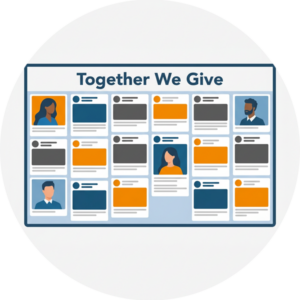 A gala social wall is really five small jobs working at once: recognizing gifts as they land, honoring the people behind the giving, letting every donor take part no matter their comfort with social apps, giving the emcee something to point at, and keeping the whole thing clean. None of these is hard on its own. The work is in lining them up so they support the program instead of competing with it.
Everwall’s Event Social Wall supports all of this from one place. You can pull in web form tributes, SMS messages, and posts from X, Instagram, Facebook, LinkedIn, and Bluesky, choose from a dozen layouts so your tribute moment looks different from your match takeover, and approve every message before it shows. The same wall can also be embedded on your event website or in your event app at no extra cost, so donors who could not attend still see the room’s generosity and can give from home.
The real takeaway is this: generosity spreads faster when the room can see it. A gift that happens in private stays private. A gift that shows up on a screen, with a name and a reason attached, invites the next one. That is the whole point of a charity event live feed, and it is why more fundraisers are building one into the night.
Ready to build a charity event live feed for your spring gala? Everwall’s Event Social Wall brings donor recognition, tribute messages, SMS participation, and full moderation together on one screen, with layouts you can switch on the fly for paddle raises and match moments. Nonprofits qualify for a discount, so reach out when you set up your event and ask about nonprofit pricing before your big night.
Pretty good, right? Share this with your people.


