


How Everwall Wrapped Creates an Event Recap Page
Published on July 13, 2026
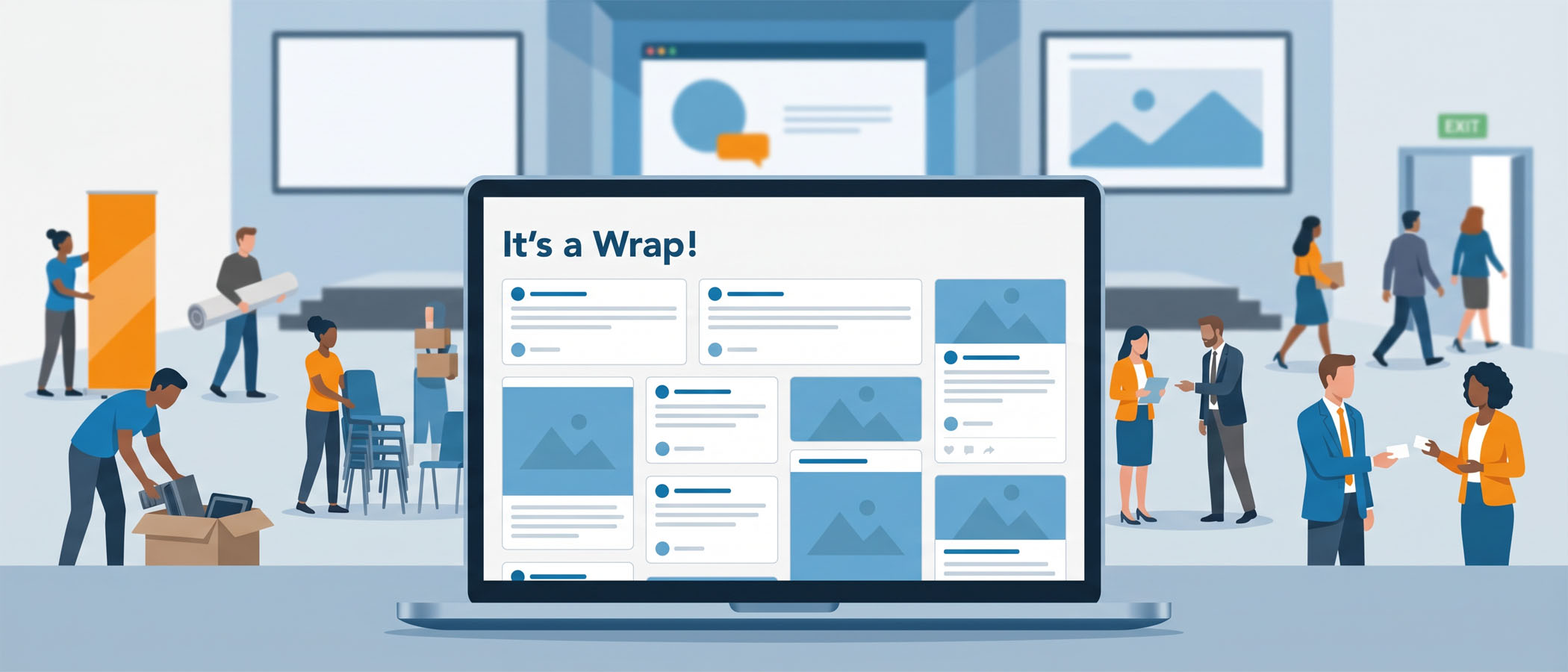
During your event, attendees post photos, reactions, and shared moments. Those posts show up on your social wall in real time, the room feels alive, and then the event ends.
A few days later, all of that content is scattered across people’s personal feeds, buried in a camera roll, or simply gone. The energy you worked hard to create disappears with it.
It doesn’t have to. An event recap page gives that content a place to live after the closing remarks, so the work attendees put in keeps paying off.
What Is an Event Recap Page?
An event recap page is a single online destination that collects the best content from your event in one place. Instead of letting posts vanish, you gather them into a page people can revisit and share.
Think of it as the home for your event after the event. It’s where:
 Attendees can relive the moments they participated in
- Sponsors can see their logos and activations in front of an audience again
- You can point future prospects to show what your event actually looks like
A good recap page isn’t a chore you tack on at the end. It’s a record of everything that happened, ready to be put to use.
Why an Event Recap Page Is Worth the Effort
When you take the time to build a recap page, you hold onto value you’ve already paid to create. Here’s what that looks like in practice.
It preserves attendee participation
People showed up and contributed. A recap page keeps their posts and photos visible instead of letting them scroll out of sight.
It gives sponsors more visibility
Sponsorship value usually ends when the event does. A recap page extends it. Logos, booths, and branded moments get seen again every time someone opens the page or shares it.
It helps you promote your next event
A recap page from this year is one of the strongest tools you have for selling next year. Prospective attendees and sponsors can see real participation rather than reading a pitch about it.
It becomes proof you can share
When someone asks what your event is like, a link does the talking. The page shows genuine engagement, captured straight from the people who were there.
How Everwall Wrapped Builds Your Recap Page for You
If you ran an Everwall social wall at your event, the content is already collected. Everwall Wrapped takes that content and turns it into a branded recap page automatically.
Here’s what it does:
- Pulls the posts, photos, and moments from your event’s social wall
- Packages them into a branded page with its own link
- Highlights your best content so it’s easy to find and share
The result is a ready-made event recap page you didn’t have to design from scratch. It gives your event a post-event home, and it’s free to use with any Everwall Event Social Wall.
Putting Your Recap Page to Use
A recap page only works if people see it. Once Wrapped builds yours, here are practical ways to get it in front of the right people:
- Include it in your thank-you email. Send the link in your post-event follow-up so attendees can revisit the day and share it with others.
- Post it on LinkedIn. A recap page makes a natural post and shows your network the kind of event you run.
- Send it to sponsors. Give them a link they can share with their own teams and audiences. It’s a simple way to show the visibility they paid for.
- Save it for next year. When you start selling your next event, the recap page is ready proof of what attendees experienced.
For more ideas on keeping momentum after the closing session, see our guide to post-event engagement ideas.
When You Want Something More Permanent
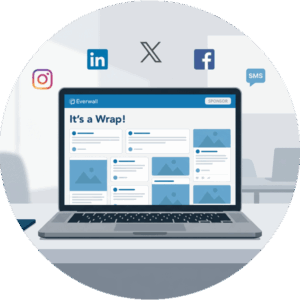 Everwall Wrapped is built for the recap moment, right after your event, when interest is highest. For some brands, that’s exactly enough.
But if you host events regularly, or you want event content living on your own website year-round, a Social Wall for Websites is the next step. It’s an embed that displays social posts directly on your site and updates in real time, no page refresh needed.
A few things it can do:
- Pull content from 15 sources, including X, Instagram, LinkedIn, Bluesky, Facebook, a web form, and SMS
- Match the look of any page using four layouts (columns, grid, carousel, and waterfall), plus a raw option for custom builds
- Support unlimited designs, so you can embed it in different spots and have each one fit its page
A lot of brands use it to show posts from a specific event hashtag, feature their own social content, or display testimonials and brand mentions. If you want to learn more about embedding event content on your site, our article on social wall integration on websites covers it in detail.
Think of Wrapped as the immediate recap and a Social Wall for Websites as the long-term home. Many people use both.
The Takeaway
Your event content shouldn’t expire when the event ends. Attendees created it, sponsors paid to be part of it, and it captures what your event is actually like.
An event recap page keeps all of that working for you, instead of letting it fade. With Everwall Wrapped, building one takes almost no effort, and the result is a shareable asset you’ll use long after the last attendee heads home.
Want your event content to keep working after the event ends? Use Everwall for your event’s social wall, and get a free Wrapped mini-site when the event ends. And if you want to keep your event’s community displayed and updated on your site all year long, consider our Social Wall for Websites. It lets you display event posts, hashtags, and brand mentions on your own site in real time. Explore how it works and start building your event’s lasting home today.
Pretty good, right? Share this with your people.


