


How Live Event Polls Increase Audience Participation
Published on August 26, 2026
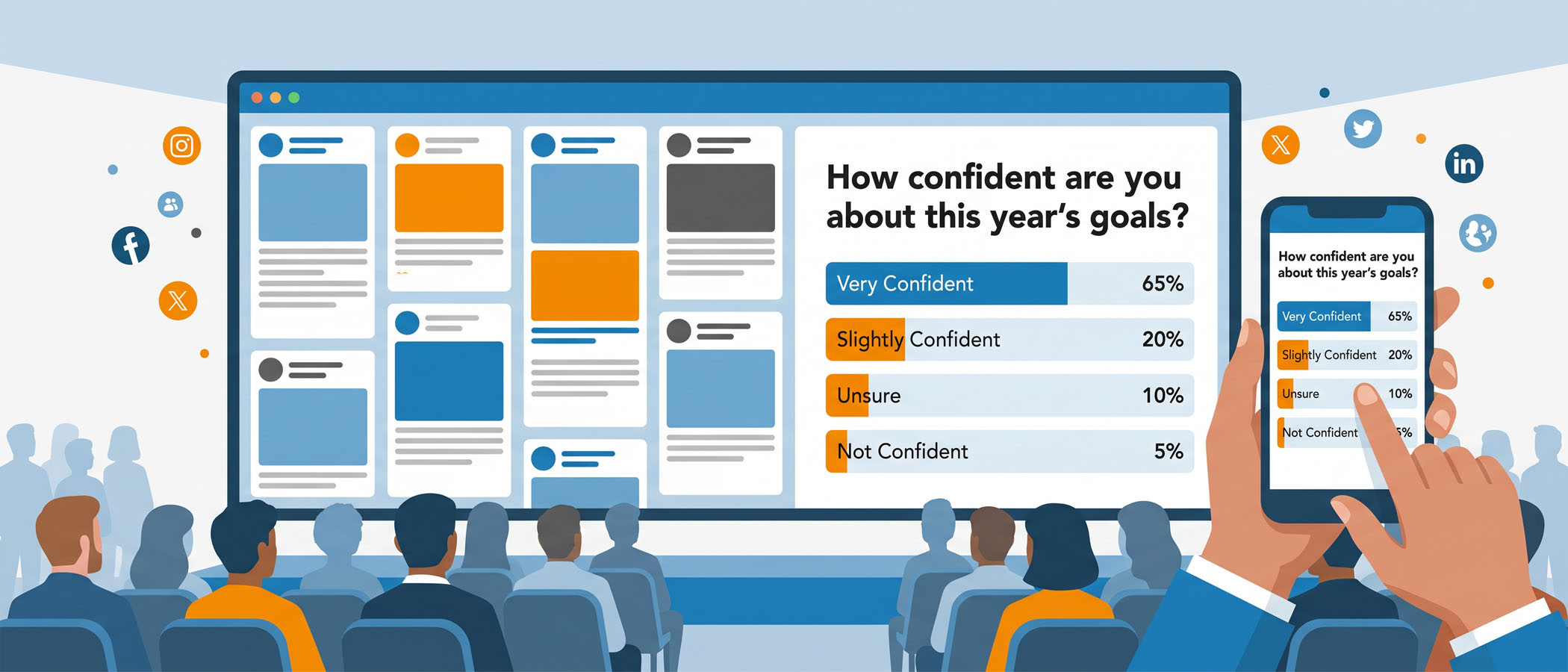
Picture a room full of people at a conference. The speaker asks, “Can I get a show of hands?” A few hands go up, usually the same confident people who always speak first. Everyone else stays quiet, even though they have thoughts too. The amount of people who participate versus the people who stay silent is one of the biggest challenges at any live event.
Live event polls close that gap. They give every person in the room a simple way to respond without any of the pressure that keeps most people quiet. Instead of asking someone to raise a hand, step up to a microphone, or say something in front of a crowd, a poll asks one clear question and gives everyone a fast way to answer.
This article is for event planners who want practical ways to make their events more interactive. We will cover why live event polls work, when to use them, how to write good poll questions, and the mistake that ruins even the best poll. The short version: a poll only helps when the people answering it can see that their answers actually matter.
The Low Barrier That Makes Polling Effective
When you ask someone to participate at an event, you are usually asking them to do something a little uncomfortable. Speaking out loud in a big room takes confidence. Writing a long response takes effort. Publicly sharing an opinion feels risky.
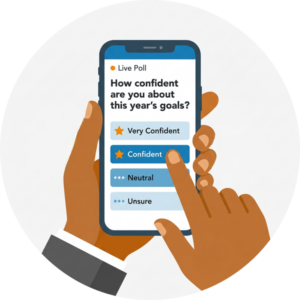 Live event polls remove all of that. To take part, an attendee does not have to:
- Raise their hand
- Speak into a microphone
- Write a long answer
- Share their name or identify themselves publicly
- Interrupt the presentation
They simply read a question and tap an answer. That is it. Because the effort is so small, more people join in.
This matters most in the exact situations where participation usually falls flat. Large rooms where individual voices get lost. Quiet audiences that do not want to be the first to speak. Internal company meetings where employees may hesitate to share honest opinions in front of leadership. In all of these settings, polling lets you hear from far more than just the handful of vocal people who always talk.
Every Poll Should Have a Purpose
It is easy to believe that adding polls automatically makes an event more engaging. Many event platforms include a polling feature, so planners drop a few questions into the agenda and assume they have covered participation. That is not how it works.
A random poll creates activity. A purposeful poll creates useful participation. There is a real difference between the two.
Before you add any poll, ask yourself what planning question it answers. Good polls usually serve one of these goals:
- Understand who is in the audience
- Check whether people followed the material
- Start a conversation
- Gather opinions
- Help the group choose between ideas
- Measure how confident people feel
- Collect feedback
- Move smoothly into the next session
When a poll has a clear job to do, both you and the audience get something out of it. When it does not, you are just asking people to tap a screen for no reason, and they notice.
When to Use Live Polls During an Event
Timing is a big part of what makes a poll land. The same question can be helpful or pointless depending on when you ask it. Here are the moments where live event polls tend to work best.
Before a Session
Use a poll to find out what the audience already knows. This helps the speaker adjust on the spot. A simple question like “How familiar are you with this topic?” tells a presenter whether to start with the basics or move faster.
During a Presentation
A poll in the middle of a talk checks understanding or gathers reactions while attention is high. Try something like, “Which challenge is affecting your team the most?” The answers give the speaker something real to respond to.
After a Session
Once a session wraps up, a poll can measure whether anything changed. Asking “After this session, how confident do you feel about applying this?” shows whether the material actually landed.
During Internal Events and SKOs
At a sales kickoff or company meeting, polls are a low-pressure way to ask employees about priorities, confidence levels, challenges, or new ideas. People who would never raise a hand in front of executives will happily answer a poll.
At the End of the Event
Capture quick feedback while people are still in the room and still paying attention. Waiting until the follow-up email means most of that feedback never comes back.
What Makes a Good Live Poll Question
A poll is only as strong as the question behind it. A confusing or overloaded question gets ignored, no matter how easy the technology is to use.
Strong poll questions share a few traits. They are short. They are easy to understand on the first read. They connect to what is happening in the room right now. They can be answered in a few seconds. And they give the organizer or speaker something they can actually use.
It also helps to know what to avoid. Skip questions that:
- Need a long setup before people can answer
- Offer too many choices to read quickly
- Ask about something unrelated to the moment
- Collect information that nobody plans to look at
If you would not do anything with the answer, do not ask the question. Every poll takes a small piece of your audience’s attention, so make each one count.
Using Live Polls as Part of Your Event Engagement Strategy
 Here is where a lot of events fall short. Polling gets treated as a separate activity, something that pops up on its own, gets a quick response, and then disappears. The stronger approach is to make polling part of the same environment where your audience is already participating.
That is the idea behind an engagement platform like Everwall. Rather than running polls off to the side, you can bring live event polls into the overall event experience alongside audience posts, questions, and announcements on your event social wall. Attendees are already watching that screen and already taking part, so a poll becomes a natural extension of the participation happening in the room instead of an interruption to it.
Everwall’s social walls pull from 15 different content sources, including X, Instagram, LinkedIn, Bluesky, and a simple web form for people who do not use social media. You can also embed the wall on your website or event app at no extra cost, so people following remotely see the same live content and polls as the people in the room. That combination is what turns polling into a real part of your audience participation plan.
The point is not that Everwall has polls. The point is that polls work better when they live inside the experience your audience is already part of.
Show the Results and Actually Do Something With Them
This is the single most important part of running a good poll, and it is the step most planners skip.
Too often, a speaker asks a poll question, glances at the results, and immediately moves on to the next slide. When that happens, the audience learns a quiet lesson: their input did not matter. After that, participation drops for every poll that follows.
Do the opposite. Put the results on screen. Point out anything surprising. Ask the speaker to react to what the room said. Use the answers to steer the conversation, and bring them back up later in the session.
Say you ask attendees about their biggest challenge and 62% choose employee adoption. A good speaker responds to that in real time: “That’s interesting. More than half the room picked adoption, so let’s spend a little more time there.” In that one moment, the audience sees that their answers changed what happened next. That is real engagement, and it makes people want to answer the next poll too.
A Simple Framework: Before, During, and After
You do not need a complicated plan to use polls well. A simple structure keeps you from dropping questions in at random. Build your polling around three moments:
- Before a key moment, use a poll to understand the audience.
- During the moment, use a poll to invite participation.
- After the moment, use a poll to measure what changed.
Follow that pattern around the parts of your event that matter most, and your polls will feel intentional instead of scattered. This fits neatly into a larger event engagement plan, where each piece of participation has a clear place and purpose.
Live Poll Ideas Planners Can Use
Sometimes the hardest part is just coming up with the question. Here are examples you can adapt for different types of events.
Conference
- Which topic should we spend more time on?
- What’s your biggest takeaway so far?
Sales Kickoff
- How confident are you about this year’s goals?
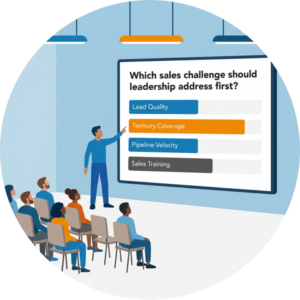
- Which sales challenge should leadership address first?
Corporate Meeting
- What should our biggest priority be next quarter?
- Which initiative needs more clarity?
School Event
- Which part of today’s program are you most excited about?
Trade Show
- Which industry trend is having the biggest impact on your organization?
Closing Session
- What is one thing you plan to do differently after today?
Each of these gives you an answer you can respond to out loud, which is exactly what keeps a poll from feeling like busywork.
 Don’t Over-Poll Your Audience
More polls do not mean more engagement. When you ask too many questions, the event starts to feel like a survey, and people stop caring about their answers. Attention is limited, and every extra poll spends a bit of it.
Aim for fewer, better questions placed at meaningful moments. A handful of well-timed polls that actually shape the conversation will do far more for participation than a constant stream of questions that no one responds to. The goal is to create interaction without breaking the flow of the experience.
When you get this balance right, live event polls stop being a fun extra and become a practical way to listen. You hear from the whole room, not just the loudest voices. You guide the conversation based on what people actually think. And most importantly, your audience sees that their answers matter.
Ready to make your next event more interactive? Everwall combines live event polls with a real-time social wall so your audience can participate, react, and see their input shape the experience. Learn more on our Event Social Wall product page and start planning participation into your next event.
Pretty good, right? Share this with your people.


