


December Graduation Ideas for a Big-Screen Moment
Published on November 23, 2026
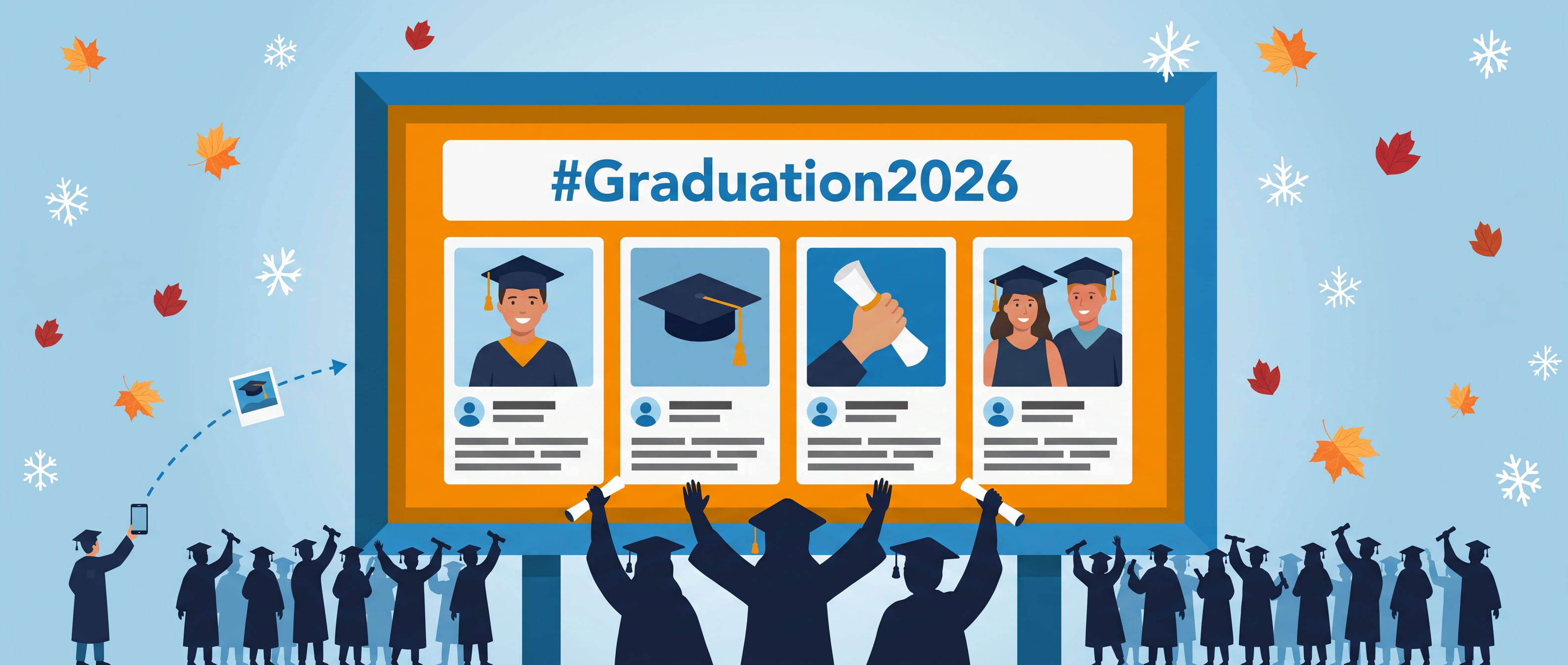
If you’re looking for December graduation ideas that make every graduate feel recognized, a big-screen moment is one of the simplest options. December graduation can sneak up on you. Summer felt far away, fall flew by, and now you have a ceremony in a few weeks and a short list of things you still want to get right. One of those things is probably giving each graduate a moment that feels personal, even when the clock is ticking and the program has to stay on schedule.
Here is some good news for anyone still deciding: you do not need months of planning to make that happen. A commencement live feed, where family messages and photos appear on the venue screens during the ceremony, can be set up in days. This article walks through how that works, why it fits a December ceremony so well, and how to pull it together before the week of your event.
Why December Graduation Ideas Should Match a Smaller Ceremony
A winter commencement is usually a different event than the big spring one. Fewer graduates cross the stage. Families sit closer together. The whole thing often runs under two hours. That smaller size is not a downside. It is the reason certain ideas work better here than they do in a packed spring arena.
When a ceremony is more intimate, personal touches land harder. A photo of a graduate at age five, shared by a proud parent, means more when the room feels like one group rather than a sea of strangers. A short note from a grandparent who could not travel feels close, not lost in the crowd.
That is why a commencement live feed fits December so naturally. Among the many December graduation ideas you could try, this one takes the warmth that already exists in a smaller room and puts it where everyone can see it. Instead of competing with the ceremony, it adds to the parts people already care about most.
If you want a deeper look at how schools use these displays across the fall and winter season, we covered more December graduation ideas in our guide to fall and winter commencement engagement.
How a Commencement Live Feed Actually Works for December Graduation
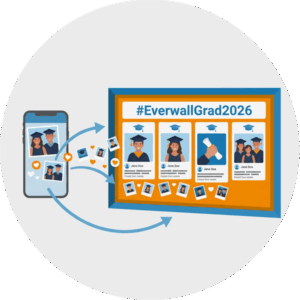 The idea is simple. You set up a social wall, which is a display that pulls in messages and photos and shows them on a screen in real time. Families send in their notes and pictures ahead of time or during the ceremony. Those posts appear on the big screen between or alongside the main program.
Here is what makes it workable for a late December decision:
- Families submit without making accounts. They do not need to download an app or sign up for anything. A QR code or a text number is all they need.
- It runs on the screens you already have. If your venue has a projector, an LED wall, or monitors in the lobby, the feed can show there. No new hardware to buy.
- Posts show up right away. A grandparent who texts a message during the processional can see it appear minutes later.
- You stay in control of what shows. Nothing reaches the screen unless it passes moderation first.
Because the setup is quick and the technology is light, this is one of the few big-screen additions you can still say yes to a week or two out. We even wrote a separate piece on setting up a winter commencement social wall in about a week if you are working on a tight timeline.
Easy December Graduation Ideas for Family Participation
The whole plan falls apart if posting is confusing. So the goal is to make submitting a message as easy as sending a text, because for a lot of families, that is exactly what it will be.
A QR code on the printed program
Print a QR code in the ceremony program or on a card at each seat. Families point their phone camera at it, a web form opens, and they type a message or attach a photo. No login, no app, no account. This is the method most younger relatives will reach for first.
A text-in number for anyone who skips the QR code
For grandparents or anyone less comfortable with QR codes, give a phone number they can text. They send a short message, maybe with a photo, and it goes straight into the same feed. Texting is familiar to almost everyone, which keeps older family members from feeling left out.
Everwall supports both of these methods, along with other sources like X, Instagram, Facebook, and more, so families can use whatever feels comfortable. For a December ceremony, the web form and text options usually do most of the work, since they ask the least of people who are not glued to social media.
A simple prompt so people know what to send
People freeze when a form is blank. Give them a starting point. Something like: “Share a message for your graduate and a favorite photo of them.” A clear prompt gets you better posts and more of them. We put together more ideas for prompts and content if you want examples to borrow.
Keeping Everything Family Appropriate
A ceremony is not the place for surprises on the screen. The good part is that you do not have to hope everything stays appropriate. You decide what appears.
 Moderation means someone on your team reviews each post before it goes live. A message gets approved, and then it shows. Anything off-topic, unkind, or just not right for the moment never reaches the display. For a graduation, where you have proud parents and a few mischievous classmates in the same room, this matters.
You can set this up a couple of ways. One person can watch a queue and tap approve on each message as it comes in. For a smaller December crowd, that is very doable, since the volume is manageable. If you would rather be hands-off, there are automatic filters that catch obvious problems before a human even looks.
If moderation is new to you, our overview of social wall moderation best practices breaks down how to keep a feed clean without slowing it down. For a two-hour ceremony with a modest number of graduates, you will likely find it easier than you expect.
December Graduation Ideas You Can Set Up in Days
This is the part that matters most for late deciders looking for practical December graduation ideas, so let us be specific about the timeline. You are not building anything from scratch. You are turning on a tool and pointing it at your existing screens.
A rough plan for a quick setup looks like this:
- Day one: Create your event wall and pick a layout. There are several to choose from, so you can match the look to your school’s colors.
- Day two: Generate your QR code and text number. Add them to your program, seat cards, or a slide.
- Day three: Send a short note to families letting them know they can submit messages and photos. Give them the prompt.
- Before the ceremony: Do a quick test on the venue screens so you know the feed displays correctly.
- Ceremony day: Turn on moderation, keep an eye on the queue, and let the messages roll in.
None of these steps requires a committee or a long approval process. If you do need to get a yes from someone first, we wrote about how to get a graduation social wall approved in a single meeting, which is handy when time is short.
Because the feed runs on the screens your venue already uses, there is no equipment order to wait on. That removes the biggest reason these projects usually need a long runway.
Keep Everything Afterward as a Keepsake and Spring Content
The ceremony ends, but the messages do not have to disappear. Everything families submit can be downloaded afterward. That gives you two things worth having.
First, a keepsake. The collection of notes and photos becomes a record of the day that you can share back with graduates and families. For a December class that sometimes gets less attention than the spring group, this is a nice way to show their moment counted.
Second, content for spring. Those warm family messages and candid photos are exactly the kind of material your marketing team hunts for later. When you start promoting the spring ceremony or next year’s enrollment, you already have real, heartfelt posts ready to go instead of starting from nothing. Our piece on building an event recap page shows how schools keep this content working after the event wraps.
So the small amount of effort you put in during a busy December pays off twice, once on the day and again months later.
Every Graduate Gets a Moment, Even in a Two-Hour Ceremony
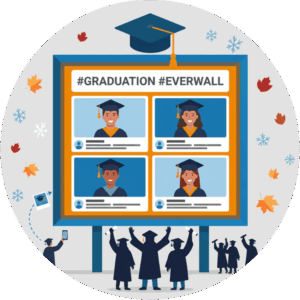 Here is the heart of it. In a ceremony that has to move quickly, you cannot stop and give each graduate a long personal tribute from the podium. There simply is not time. But among the simplest December graduation ideas, a commencement live feed gives every single graduate a moment on the big screen anyway.
While the program keeps its pace, a grandparent’s note, a childhood photo, or a classmate’s shout-out appears for each student. The ceremony stays on schedule, and the personal part happens on the screen alongside it. Nobody gets skipped because the clock ran out.
For a December class, in a room full of people who traveled to be there, that is a meaningful thing to offer. And you can set it up this week.
Ready to give your December graduates their moment on the big screen? Everwall’s Event Social Wall lets families send messages and photos by QR code or text, no accounts needed, with moderation that keeps everything family appropriate. You can set it up in days and run it on the screens your venue already has. Schools can also ask about our All Access for Education option for ongoing use across more of your events. Get started today and make sure every graduate is seen.
Pretty good, right? Share this with your people.


