


A Social Wall Checklist for Your Next User Conference
Published on October 28, 2026
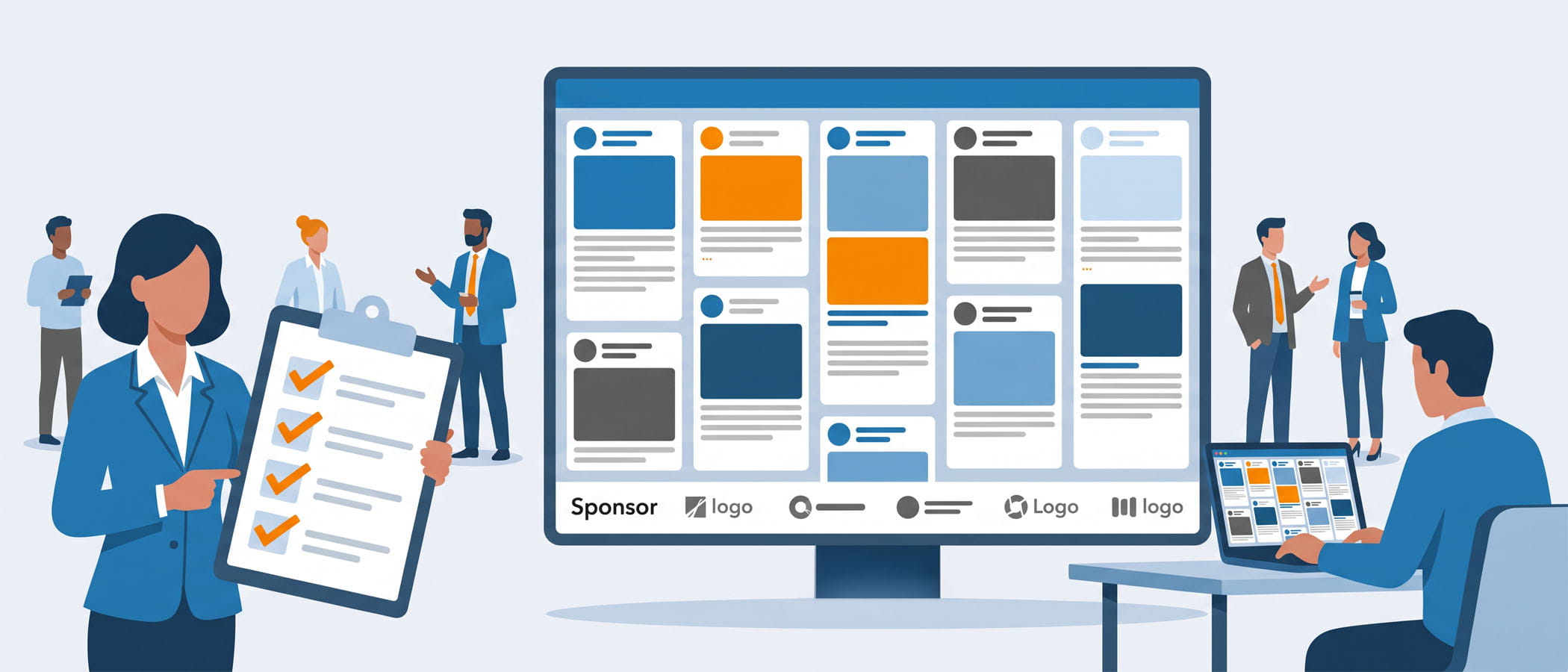
A social wall looks simple when it is running well. Posts scroll across a big screen, people point and smile when they see their own photo, and sponsors get their logo in front of a full room. What you do not see is the planning that made all of that happen without a single hiccup.
Most of the problems people have with a social wall are not surprises. They are things that were never written down, never assigned to anyone, and never tested before the doors opened. A wall that works on event day was checklisted about two weeks earlier, when there was still time to fix the wifi, load the sponsor graphics, and tell your team who is watching the screen and when.
This article is the execution companion to our month-by-month timeline for planning a user conference social wall. If that article helps you decide when to do things, this one is the list you actually run through in the final stretch. Copy it, share it with your team, and check off each item as you go.
Pre-Event Checklist: Everything Before Doors Open
The weeks before your conference are where a good event social wall setup is really decided. Get these pieces in place and event day becomes mostly watching, not scrambling.
Pick and promote your hashtag
Your hashtag is how attendees find the conversation and how your wall pulls in posts. Keep it short, easy to spell, and unique enough that it is not already being used for something else. Once you pick it, put it everywhere people will look:
- On the event website and registration confirmation emails
- On printed signage near the stage, entrances, and food areas
- In the event app and on the slides between sessions
- In the first announcement from the main stage
If you want a deeper look at choosing one that actually gets used, our hashtag wall guide for conferences walks through it.
 Decide where your posts come from
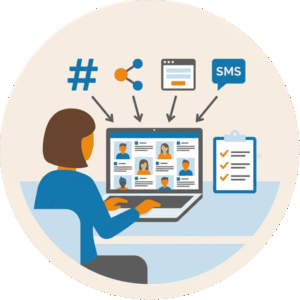
A hashtag is not the only way to fill a wall, and at some conferences it is not even the main one. Everwall supports 16 content sources, so you can pull from X, Instagram, LinkedIn, Bluesky, Facebook, and more. You can also collect posts directly through a web form or by SMS, which is great for attendees who do not want to post publicly. Decide now which sources you will turn on, because that choice changes how you promote participation.
Set up your moderation team and rules
Every post that reaches the screen should pass through someone first. Before the event, decide:
- Who moderates. Name the people and make sure they have login access ahead of time.
- What gets approved. Write down simple rules so two moderators make the same call.
- What gets blocked. List banned words, competitors, and anything off-topic you do not want on screen.
Moderation is the difference between a wall you trust on the big screen and one you are afraid to look at. Our guide on social media wall moderation covers the rules worth writing down.
Load sponsor assets early
If you sold sponsorship on your wall, their logos and graphics need to be loaded and checked well before event day, not the morning of. Confirm the files are the right size, the colors look right on a big screen, and the rotation order matches what you promised each sponsor. If you are still pricing sponsorship, our article on what sponsors will pay for a social wall gives you real benchmarks.
Map out your display placement
Walk through the venue, either in person or with a floor plan, and decide exactly where each screen goes. Good spots are where people already gather and wait: near registration, outside session rooms, in the lounge, and beside the main stage. Mark each screen on the map, note what it is connected to, and share that map with your AV team.
Venue Tech: The Setup That Keeps Your Wall Live
This is the part of event social wall setup that trips up the most teams, because the pieces live in someone else’s building and someone else’s hands. Sort it out early.
Choose a hardwired connection over wifi
Venue wifi gets crowded fast once a few hundred attendees arrive, and a crowded network means a wall that stutters or stalls. Whenever the venue can provide it, ask for a hardwired ethernet connection for the computer running your wall. It is the single most reliable thing you can do for a smooth display. If hardwired is truly not an option, ask for a dedicated wireless network that attendees will not be using.
Nail down the AV handoff
Your wall has to get from a computer onto the big screens, and that usually means working with the venue’s AV crew or your own production team. Confirm these details in writing before the event:
- Which input the screen is using and what cable it needs
- The screen resolution and shape, so your layout fits without being stretched or cropped
- Who is on site to help if a screen goes dark
- A time to test the full setup before doors open, not after
Have a backup plan
Even with good prep, something can go wrong. Keep a second device ready to run the wall, save your sponsor files somewhere you can reach them from any computer, and know the phone number of whoever you call for support. Because Everwall updates in real time from the cloud, you can log in from a backup laptop and have the wall running again in minutes. With Full Service, a support team handles that for you.
During the Event: Keeping the Wall Alive and Interesting
Once the event starts, the work shifts from building to tending. A wall left completely alone usually goes quiet. A wall with a little attention stays lively all day.
 Staff moderation in a steady rhythm
You do not need someone staring at the screen every second, but you do need coverage during the busy parts. Posts spike around opening sessions, keynotes, meals, and the closing. Build a simple schedule so a moderator is on during each of those windows and a backup knows when to step in. Trade shifts so nobody burns out by mid-afternoon.
Create moments worth posting about
People post more when you give them a reason. Work these into the agenda on purpose:
- A host asking the room to share a photo during opening remarks
- A live poll whose results show up right on the wall
- A prompt tied to a specific session, like one word that sums up the talk
- A giveaway that asks people to post with the hashtag to enter
When you plan these moments into the schedule instead of hoping they happen, participation climbs. Our piece on using your event agenda to drive participation has more on timing these prompts.
Check sponsor rotation throughout the day
If sponsors paid for screen time, confirm they are actually getting it. Glance at the wall a few times during the day to make sure logos are rotating in the right order and at the right pace. A quick check now prevents an awkward conversation with a sponsor later. A paid wall is worth protecting, and our breakdown of the ROI of social walls shows why sponsors care so much about that visibility.
After the Event: Capturing the Value You Built
The wall does not stop being useful when the lights come up. The last few steps turn a day of activity into something you can show your boss, your sponsors, and next year’s planning committee.
| Task | Why it matters |
|---|---|
| Export your stats | Numbers like total posts and reach prove the wall worked and help justify it next year. |
| Download the content | Attendee photos and posts become marketing material you can use for months. |
| Build a recap | A simple recap page keeps the conversation going after everyone goes home. |
Everwall includes a feature called Everwall Wrapped that pulls your event’s posts into a shareable recap page at no extra cost. Share it with sponsors as proof of value, send it to attendees as a thank-you, and keep it as a reference when you pitch the wall again next year. For more ideas on using everything after the event ends, see our post-event engagement ideas.
A Copyable Version of the Checklist
Here is the whole thing in one place. Copy it, paste it into your own doc, and assign an owner to each line.
Pre-event
- Hashtag chosen, spelled-checked, and confirmed unique
- Hashtag added to website, emails, signage, app, and opening script
- Content sources selected and turned on
- Moderation team named with login access
- Approve and block rules written down
- Sponsor assets loaded and reviewed on a big screen
- Sponsor rotation order set
- Display placement map made and shared with AV
Venue tech
- Hardwired connection requested (or dedicated wifi confirmed)
- AV handoff details confirmed in writing
- Resolution and screen shape matched to layout
- Full test scheduled before doors open
- Backup device ready and support contact saved
During the event
- Moderator schedule covers all busy windows
- Posting prompts built into the agenda
- Polls set up and timed
- Sponsor rotation checked a few times during the day
After the event
- Stats exported
- Content downloaded
- Recap page built and shared
If you run through this list about two weeks out, you will catch the problems while there is still time to fix them. That is the whole point.
Would you rather hand this entire checklist to someone else? With Everwall’s Event Social Wall Full Service plan, our team handles the setup, loads your sponsor assets, moderates during the event, and sends you the recap afterward. You get the wall that works on event day without running the checklist yourself. Take a look at our Event Social Wall page to see how it works.
Pretty good, right? Share this with your people.


