


Accessible Social Wall Guide for Event Planners
Published on October 15, 2026
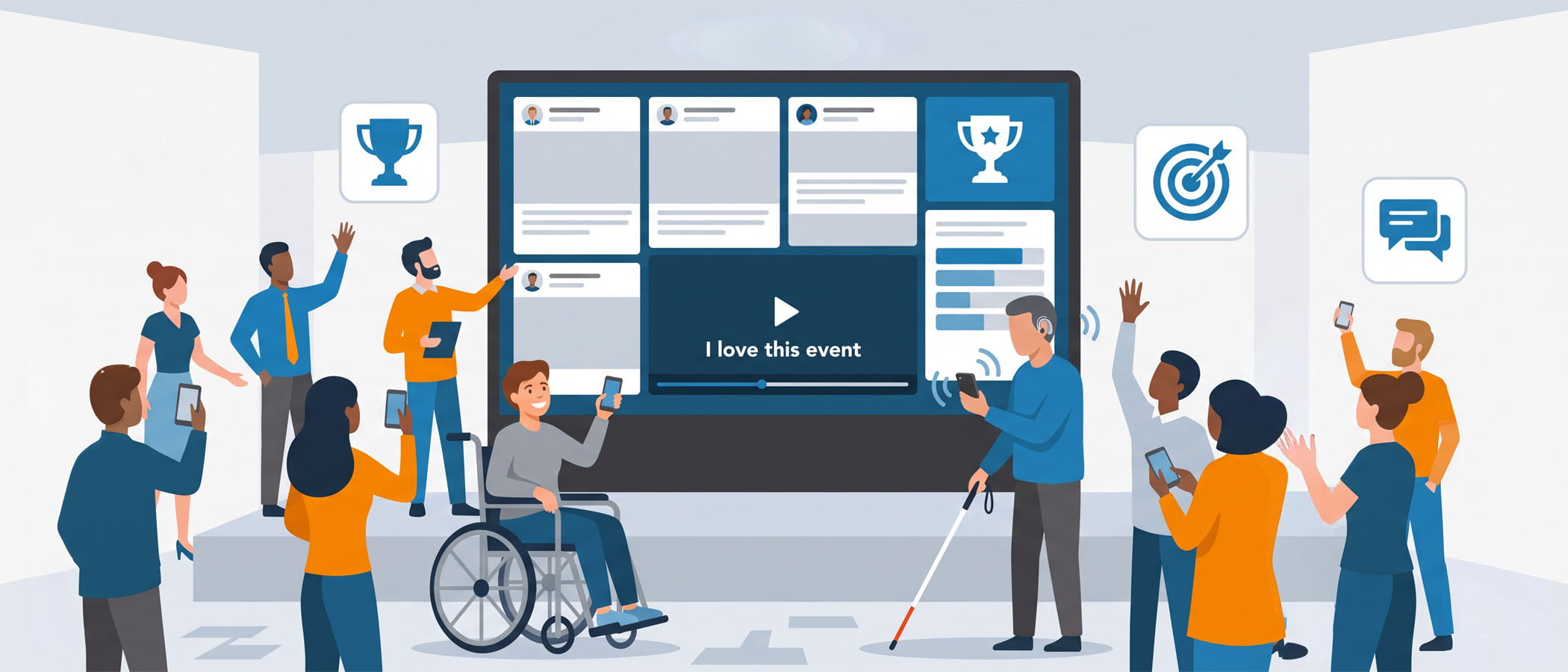
You picked a spot near the main stage. The screen is big, the posts are rolling in, and people are stopping to look. Then someone in the front row squints, leans toward a friend, and asks, “What does that say?” That small moment tells you something important. An accessible social wall helps people in the room read the posts, see the content, and follow along.
For universities and associations, this goes past being a nice touch. Many of these groups have accessibility rules built right into how they buy things. If a vendor can’t answer questions about accessibility, that vendor gets crossed off the list. This article walks through what an accessible social wall looks like, how the WCAG guidelines apply to a live display, and the questions you should be asking before you sign anything. None of this is legal advice, but it will help you have smarter conversations with your team and your vendors.
What Makes an Accessible Social Wall?
When people hear “accessibility,” they often picture ramps and elevators. For a social wall, it means designing the display so that more people in the room can take part. That includes people with low vision, people who are colorblind, people sensitive to fast motion, and people who are hard of hearing.
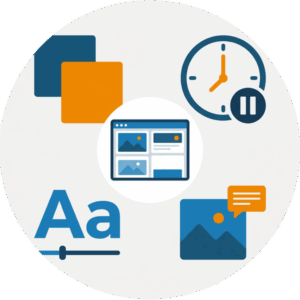 A social wall pulls in posts, photos, and sometimes video from your attendees. Each of those pieces needs to be shown in a way that works for a wide range of people. Here are the main areas that matter for event accessibility:
- Color contrast: Text needs to stand out clearly against its background so people can read it from across a room.
- Motion and pacing: Posts that fly by too fast, or animations that spin and flash, leave people behind and can bother those who are sensitive to movement.
- Text size: Words need to be big enough to read from a distance, not just from two feet away on a laptop.
- Alt text on images: A written description of an image helps people using screen readers understand what a photo shows, which matters most for the website version of your wall.
Each of these connects to a real person in your audience. When you handle them well, you include more of the room, which is the whole reason you put the wall up in the first place.
WCAG Basics for Accessible Event Displays
WCAG stands for the Web Content Accessibility Guidelines. It’s the most widely used standard for making digital content usable by people with disabilities. It was written mainly for websites, but the ideas behind it apply to a social wall too, especially the version you embed on your event website or app.
WCAG is built around four simple ideas. Content should be:
Perceivable
People need to be able to sense the content. That means enough color contrast, readable text sizes, and descriptions for images.
Operable
People need enough time to read and a way to use any interactive features. For the website embed, ask about keyboard access and controls to pause moving or automatically updating content. On the venue screen, choose a pace that gives attendees time to follow each post.
Understandable
Content should be clear and predictable. Layouts shouldn’t jump around in confusing ways or change without warning.
Robust
Content should work with the tools people rely on, like screen readers, especially in the embedded website version of your wall.
WCAG also has grading levels: A, AA, and AAA. Most organizations aim for the AA level, which is the common target for websites and is referenced in the U.S. by rules tied to Section 508.
The W3C’s WCAG overview explains the guidelines straight from the source. There’s no need to memorize them. Instead, use them as a starting point when asking your vendor which accessibility requirements their product meets.
A Practical Checklist for an Accessible Social Wall
An accessible social wall starts with choices you can check before your event. Walk through this list with your vendor or your own team to catch common problems early.
Choose a Readable Layout
Pick a layout that gives each post room to breathe. Cramming twelve tiny posts onto one screen might look busy and exciting, but nobody past the third row can read it. Fewer posts at a larger size almost always reads better in a big room. Everwall offers 12 different layouts on its self-service plans, and the full-service option can build a custom design if you have specific needs, so you have room to pick something that fits your space.
Give People Time to Read
Give each post enough time on screen for someone to read it start to finish. A good rule is to imagine a slower reader in the back of the room and set your timing for them, not for you. Fast rotation feels lively to the person who set it up and stressful to the person trying to keep up.
Check Contrast and Text Size
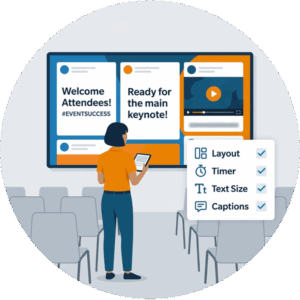 Dark text on a light background, or light text on a dark background, reads best. Avoid low-contrast combinations like gray text on a slightly darker gray. Test your setup by standing at the far end of the room before doors open. If you can’t read it from there, your attendees can’t either.
Include Captions for Video
Attendee videos are great, but audio-only content leaves out anyone who is deaf or hard of hearing, and most event spaces are loud anyway. If you plan to feature video, lean toward clips that already include captions, or treat video as a smaller part of the mix rather than the centerpiece. For the embedded version of your wall, make sure video content isn’t the only way someone can follow what’s happening.
Plan Your Image Alt Text Workflow
Alt text is the written description attached to an image. It matters most for the website embed of your wall, where screen readers can read those descriptions aloud. Writing alt text by hand for every incoming post isn’t realistic during a live event. This is one spot where AI can genuinely help. Everwall’s AI tools through its MCP server can assist with adding alt text so your embedded wall stays usable without a person typing descriptions all day.
Run through this list once during planning and once more the day before your event. Most accessibility problems are easy to fix early and a headache to fix live.
Why Universities and Associations Should Ask Vendors This Question
If you work at a university or run an association, accessibility probably isn’t optional for you. Public universities in the U.S. have accessibility obligations under Title II of the Americans with Disabilities Act. Section 508 applies to federal agencies, though state laws and institutional purchasing policies may reference its standards. Many associations also have accessibility commitments that guide how they run events and choose vendors. Procurement teams often require proof before they approve a purchase.
That puts you in a strong position. When you ask a vendor about accessibility and they give a thoughtful answer, you’ve found a partner who takes your requirements seriously. When they get quiet or vague, you’ve learned something useful before spending any money.
What a good answer sounds like
For example, Everwall’s accessibility page includes an Accessibility Conformance Report for procurement teams to review. It describes partial conformance with WCAG 2.1 Level AA and explains the remaining limitations, giving your team specific details to discuss.
A vendor who understands this topic will talk in specifics. Expect clear answers about adjustable contrast, text size, and pacing controls. Ask how the embedded wall handles alt text, keyboard navigation, and screen readers. A thoughtful response will explain what works, identify any limitations, and point you to an accessibility conformance report if one is available. The vendor should welcome these questions.
What a weak answer sounds like
A weak answer treats accessibility as an afterthought. You’ll hear things like “our walls look great on any screen” without any mention of contrast, pacing, or text descriptions. If a vendor can’t discuss how real people with real needs will experience the display, that’s a signal worth paying attention to during your review.
Asking this one question early saves you from awkward conversations later, whether that’s a procurement rejection or an attendee who couldn’t take part in something you built for the whole room.
Bringing It Together for Your Next Event
An accessible social wall isn’t a separate project you bolt on at the end. It’s a set of choices you make while planning: the layout you pick, how fast posts rotate, how big your text is, and how you handle images and video. Each choice decides whether one more person in the room gets to join in.
 For an in-person event, Everwall’s Event Social Wall gives you the layout options, pacing control, and embed features to build a display that works for a wide audience. The embed is included at no extra cost, so the same wall you show on stage can live on your event website or in your event app, where alt text and screen reader support matter most. If you want help thinking through content that gets people posting in the first place, our guide to social wall content ideas pairs well with everything here.
The point of a social wall is to bring the room together around shared moments. An accessible social wall does that job for more people, which was always the goal.
Ready to build a social wall your whole audience can take part in? Everwall’s Event Social Wall gives you readable layouts, control over pacing, and a website embed that supports accessibility features like alt text. Take a look at what it can do for your next event and set up a display that includes everyone in the room.
Pretty good, right? Share this with your people.


