


What a Sales Kickoff Social Wall Costs
Published on October 8, 2026
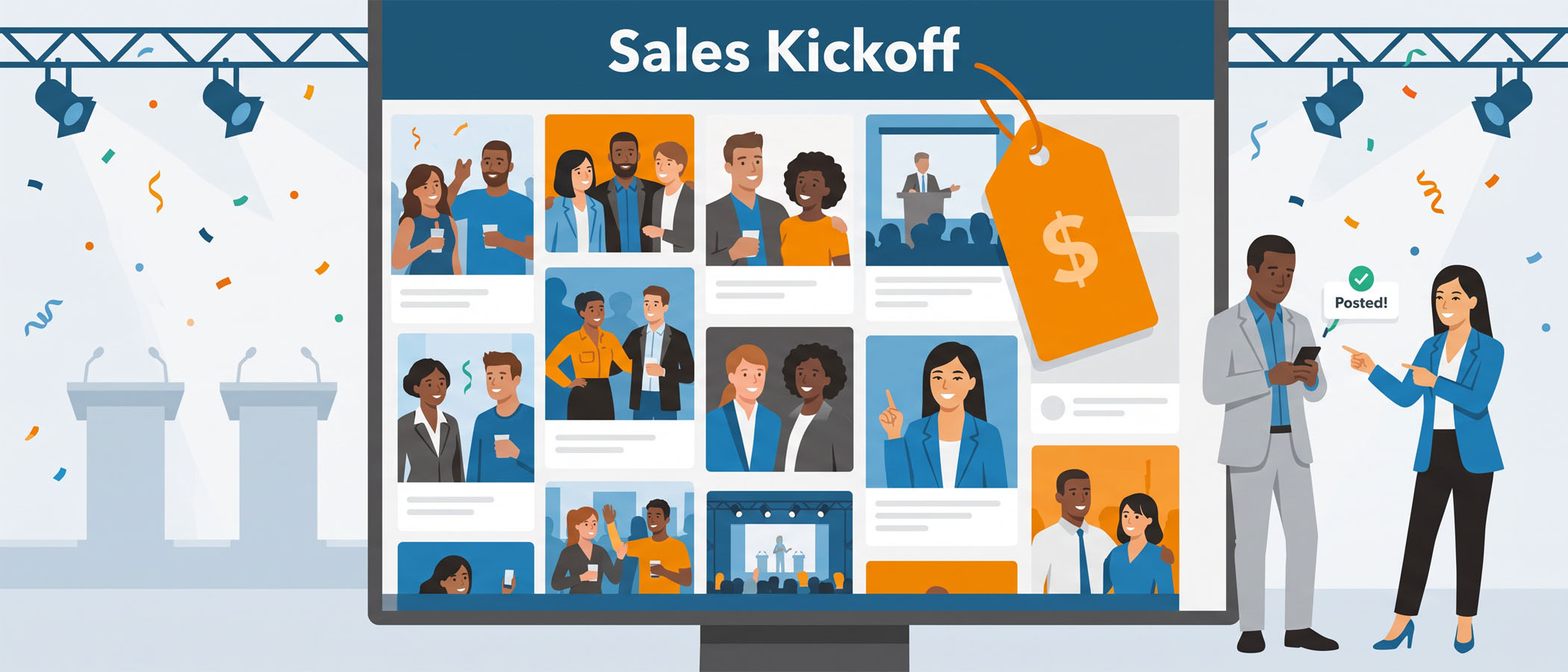
When you sit down to plan a sales kickoff, the numbers add up fast. You are flying in hundreds of reps, booking a hotel block, renting a general session room, feeding everyone for two or three days, and paying speakers on top of all of it. By the time you have a working plan, you are usually looking at a six figure event.
Somewhere on that list is a line for engagement, the part that keeps reps posting, laughing, and paying attention instead of checking email under the table. That line item includes your social wall. And when you compare the sales kickoff social wall cost against everything else on the budget, it is one of the smallest numbers you will write down.
This article breaks down what a social wall actually costs for an SKO, what changes the price, and who usually pays for it inside a company. If you are choosing vendors for your next sales kickoff, this should help you plug a real number into your plan.
What Drives the Sales Kickoff Social Wall Cost
A few things decide the final price, and none of them are complicated. Once you know the pieces, you can estimate your own number in a couple of minutes.
Number of event days
Most social wall pricing is built around event days. A one day kickoff costs less than a three day kickoff because the wall is running for less time. If your SKO runs Tuesday through Thursday, you would pay for three days of the wall being live.
This is the single biggest factor for most events, so start here. Count the days your general session and breakouts are happening, and you have the base of your estimate.
 Service level
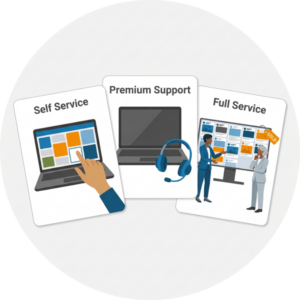
The next factor is how much help you want. You can run everything yourself, get support standing by, or hand the whole thing to a team that builds and runs it for you. More support means a higher price, which makes sense. We will go through those three levels in the next section.
Add-ons
Add-ons are extra features you can turn on (sometimes for a small additional amount per event day). Common ones include:
- Live polls to pull opinions from the room
- Extra content sources beyond the basics, like SMS
- Custom design work so the wall matches your SKO theme
- Different display layouts
When a longer pass makes sense
Here is a case that catches people off guard. Sometimes you want reps submitting content before the event even starts. Maybe you ask them to post a photo of their biggest win from last year, or a short video introducing their new territory. If you want to collect that for a few weeks leading up to the kickoff, a single day pass will not cover it.
For that, a multi week pass is the better buy. Everwall offers a 30-day pass that lets the wall run for a full month, which is plenty of time to gather pre event submissions and then keep it live through the kickoff itself. If you are running any kind of “post before you arrive” campaign, price out the 30-day pass instead of stacking single days.
Self Service, Premium Support, or Full Service
The service level you pick has the biggest effect on price after the number of days. Since an SKO is an internal audience, meaning your own reps and not the general public, you have some freedom here that a public event might not. Let’s look at all three.
Self service
With self service, you build the wall yourself. You pick your layout, set your content sources, and handle moderation from a dashboard. This is the lowest sales kickoff social wall cost, and it works well when someone on your team is comfortable setting things up and has a little time before the event.
For a lot of enablement teams, this is all they need. The setup is straightforward, and there are twelve layouts to choose from on Everwall, so you are not stuck with one look.
Self service with premium support
This is the same self service tool, but with a support team ready to jump in if you hit a snag. If you are nervous about running the wall during a live general session in front of the whole sales org, the extra support is worth the small bump in price. You still control the wall, you just have backup on call anytime you need it.
Full service
With full service, an Everwall team builds the wall, designs it to match your SKO theme, and can help you run it during the event. This costs the most because a person is doing the work for you, including a setup fee. It is a good fit when your team is stretched thin, when the wall needs custom design work, or when the kickoff is high profile enough that you do not want to touch a single setting yourself.
For most internal kickoffs, self service or self service with premium support covers it. Full service is there when you want to hand it off completely. You can compare all of these on the event social wall product page.
Who Pays for It and How to Expense It
One reason the social wall rarely causes budget friction is that it fits neatly into a cost center most SKO planners already control.
In most companies, an SKO social wall lands in one of two places:
 Sales enablement. If enablement owns the kickoff agenda and the engagement plan, the wall usually sits right alongside the other tools in that budget. It is treated the same as any other participation tool you are already paying for.
- Internal communications. If internal comms runs the event or owns employee engagement, the wall fits under that team’s budget instead. Comms teams often already run screens and displays, so a social wall is a familiar type of spend.
Because the number is small compared to the venue, catering, and travel, it almost never needs special approval. It clears the same way a smaller software or event line item would. If you want help making the case internally, our guide on sales kickoff engagement tools worth paying for walks through how to frame the spend.
One more note for planners who care about content sources: Everwall supports sixteen of them, including a web form and SMS. That matters for an internal event because not every rep wants to post on a public social network. Reps can send in a photo or a note through a form or a text, and it still shows up on the wall. If you want the whole thing to stay private, we cover exactly how to do that in our post on adding a private social wall to your sales kickoff.
Putting a Real Number in Your Plan
Let’s tie the pieces together with a simple way to estimate your own cost.
Start with your number of event days. Multiply that by the per day rate for the service level you want. Add a few dollars per day for any add-ons. If you are collecting content in the weeks before the kickoff, swap the day math for a 30 day pass and compare which is cheaper.
For most kickoffs, here is roughly how the pieces stack:
| Piece | What it affects |
|---|---|
| Event days | Your base cost |
| Service level | How much help you get |
| Add-ons | Small per day extras |
| 30 day pass | Better for pre event collection |
Even at the higher end, the total sits well below what you spend keeping reps caffeinated for three days. A social wall starts at a modest per day rate, so the language only starting point is genuinely small next to a six figure event.
And the wall is not a throwaway line. It is often one of the parts reps actually remember, because they see their own posts and their teammates’ posts up on the big screen during general session. The coffee gets consumed and forgotten. The wall becomes part of the story people tell about the kickoff. If you want ideas on what to display, our list of social wall content ideas is a good place to start.
Running More Than One Event a Year
Plenty of companies do not stop at a single SKO. There is the first quarter kickoff, then a mid year kickoff to reset goals, and then an all hands or two along the way. If that sounds like your calendar, buying each social wall one at a time is not the smartest move.
Everwall’s All Access for Business plan is built for exactly this pattern. It lets you run your SKO, your mid year kickoff, and your all hands meetings on one plan instead of paying for each event separately. For a team that already knows it has three or four moments a year where a wall makes sense, one plan keeps the budgeting simple and the per event cost lower.
If your kickoff has remote reps joining in, it is worth knowing the wall can be embedded into your event app or an internal page at no extra cost. That way the folks at home see the same posts as the people in the room. We go deeper on that in our piece on what makes a social wall work at a hybrid sales kickoff.
The Short Version for Your Vendor Selection
 If you are picking vendors right now for a sales kickoff, here is what to carry into the meeting. The sales kickoff social wall cost is driven by event days, service level, and a few small add-ons. Self service covers most internal kickoffs, with premium support or full service available when you want more hands on deck. The spend fits cleanly into enablement or internal comms and is easy to expense. And if you want reps posting before they arrive, a 30 day pass beats stacking single days.
Against a six figure event, the wall is a rounding error that reps remember long after the last session ends.
Ready to add a social wall to your next sales kickoff meeting? Everwall’s Event Social Wall is simple to set up, works for internal audiences, and can stay completely private if you want it to. Start from a single day pass, grab a 30 day pass for pre event collection, or ask us about All Access for Business if you run more than one kickoff a year. Pick your plan and get your wall live before doors open.
Pretty good, right? Share this with your people.


