


How to Add a Social Wall to Your Conference Registration Site
Published on November 9, 2026
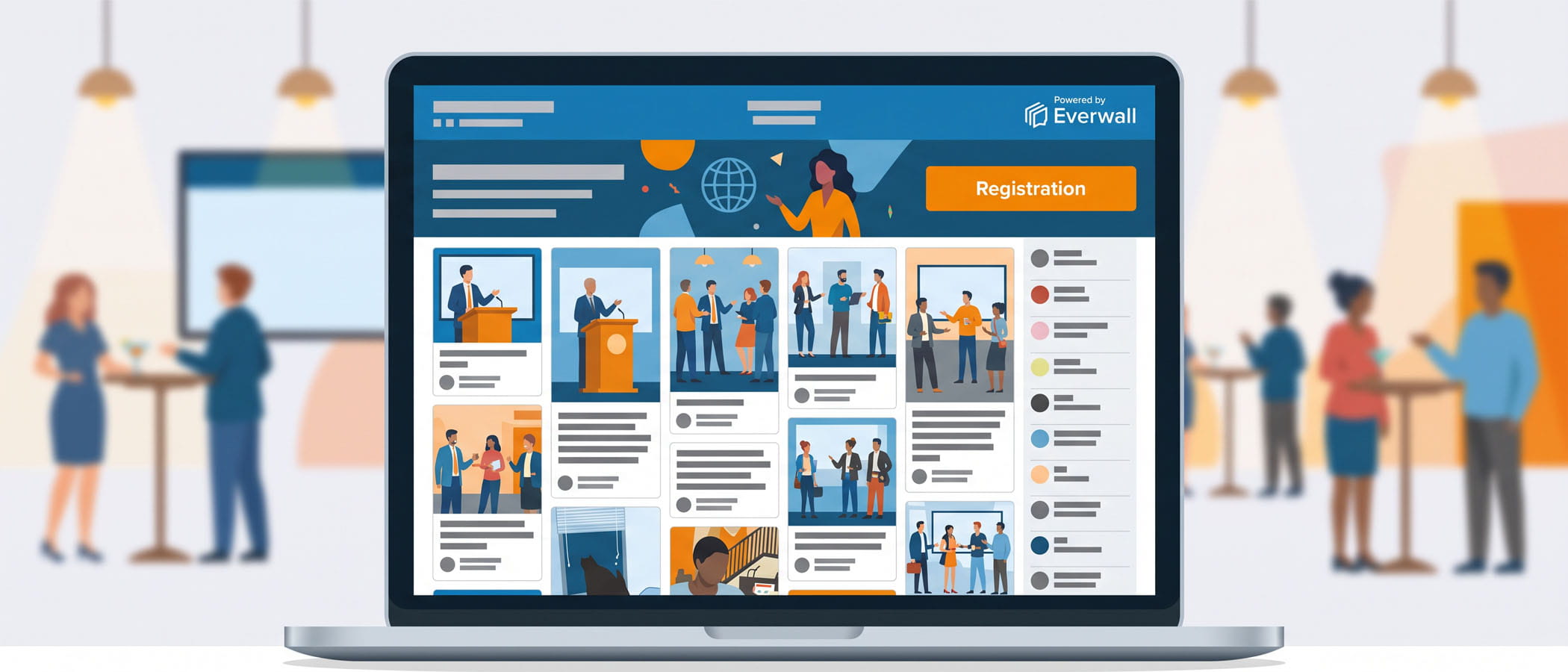
When someone lands on your conference registration website, they usually have one question running through their head: what is this event actually like? They can read your agenda and scan your speaker list, but those things are written by you. They know you want them to sign up. What they really want is proof from people who went last year and were glad they did.
That proof already exists. Your past attendees posted photos from the keynote, shared quotes they liked, and tagged your event in their stories. Those posts are honest in a way your marketing copy never can be, because the people who wrote them had nothing to sell. Putting that content directly on your registration page answers the “is this worth my time and money” question before a visitor even has to ask it.
Most registration sites for May and June 2027 events go live between December and February, which means right now is the window to plan what goes on the page. An event website social feed is one of the simplest additions you can make, and it does a lot of quiet work while your sales team focuses on everything else.
What a social wall actually does on a registration site
A social wall is a live feed of social media posts pulled together in one place and shown on a web page. Instead of asking visitors to leave your site and go hunting through hashtags on their own, you bring the posts to them.
For a conference, that usually means collecting posts tied to your event hashtag or handle across the networks your attendees use. Everwall’s Social Wall for Websites supports 16 different content sources, including the ones most conference crowds actually post on: X (Twitter), Instagram, LinkedIn, Bluesky, and Facebook. The feed updates on its own, so once it’s on your page, it keeps showing fresh content without anyone touching it.
The important part for a registration page is that this is real content from real people. Nobody questions whether an attendee photo from last year’s reception is genuine. That believability is exactly what moves someone from “maybe” to “I’m registering.”
What to embed at each phase of your conference
A registration site isn’t static. It changes as you move from early planning toward the event itself, and the social feed should change with it. Here’s what makes sense to show at each stage.
Before launch: show last year’s highlights
When your registration page first goes up, you don’t have any buzz about the new event yet. That’s fine. Pull in the best posts from last year’s conference instead. Photos from sessions, shots of the venue, reactions to keynotes, and group pictures from the networking events all tell a first-time visitor what to expect.
This is where social proof does the heavy lifting. A visitor who has never attended sees a page full of people who did, and who clearly had a good time. You can curate the feed so only the strongest posts appear, keeping the page looking its best.
During promotion: speaker and community posts
 Once you start announcing speakers and the conversation picks up, shift the feed toward what people are saying right now. When a speaker shares that they’re presenting, that post carries weight with their own followers, and showing it on your page spreads that excitement further.
This phase is also when your community starts posting about planning to attend, booking travel, and asking who else is going. Those posts create a sense of momentum. Someone on the fence sees their peers committing and feels the pull to join them.
During the event: the live wall
While the conference is happening, the feed becomes a real-time look at the action. Posts from sessions, hallway conversations, and evening events flow in as they happen. For anyone browsing your site during those days, whether they’re there in person or watching from afar, it shows an event that’s alive and worth being part of.
If you’re already running a live display inside the venue, this is the same content working in a second spot. We’ll come back to why that matters for your budget.
After the event: the recap
When the conference wraps, don’t take the feed down. Switch it to a recap of the best moments from the days that just passed. This keeps your page useful right when people who missed it are feeling regret, and it quietly becomes the “last year’s highlights” feed for your next registration cycle. The work you did capturing this year’s content feeds directly into selling next year’s event. If you want to get more out of those posts, our piece on creating an event recap page goes deeper on that idea.
Setting it up on your registration site
The good news for anyone worried about the technical side: adding a social wall doesn’t require a developer or a specific platform.
The embed works in any site builder. Whether your registration page runs on WordPress, Squarespace, Webflow, a custom build, or the tool your registration provider gave you, you paste in a small snippet of code and the feed appears. If you’re on WordPress specifically, we have a step-by-step guide to embedding a social wall that walks through it.
A few things worth knowing as you plan:
- Layouts to match your page. Everwall offers four layouts, Columns, Grid, Carousel, and Waterfall, so you can pick the one that fits the space you’re working with. Developers who want full control can use a fifth “raw” option that hands over the code to build something custom.
- Unlimited designs. You can create as many designs as you need, which means the feed on your registration page can look different from the feed on your agenda page or your sponsor page, each styled to match where it sits.
- No page refreshes. New posts show up on their own, in real time, without the visitor having to reload anything.
Because you can style each embed to match its surroundings, the feed looks like a built-in part of your site rather than something bolted on. For more ideas on placement and design, our overview of social wall integration on websites covers the options.
The part that saves you money
Here’s where the budget conversation gets easier. If you’re running an Everwall social wall for your event, the website embed is included at no extra cost.
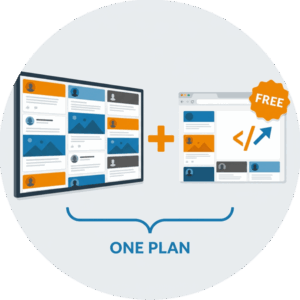 That means the wall you put on your registration page usually comes free with the event purchase. You’re not buying two separate products. The same event hashtag feed that plays on screens inside the venue can run on your website before, during, and after the conference, all under the one plan you already bought for the event itself.
For planners who are already budgeting a social wall for the live event, this is found value. The registration page feed, the agenda page feed, and the recap page feed don’t add a line item. They’re part of what you paid for. If you’re sorting out costs for the event side of things, our breakdown of social media wall pricing explains how the plans work.
This bundle also makes the recurring side of your conference stronger. Each year you run the event, you capture fresh posts. Those posts fill next year’s registration page. The page sells the next cycle, which brings in attendees who post again, which fills the page after that. One purchase keeps feeding the loop year after year.
Keeping the feed clean
Showing real posts does mean the occasional off-topic or unwanted post could appear. That’s why moderation matters on a registration page, maybe even more than on an in-venue screen, since your registration site is often a first impression.
A good social wall lets you approve posts before they go live or filter out anything that doesn’t fit. For a page meant to sell registrations, you want to show your best content, so a little curation goes a long way. Our guide on social wall moderation best practices covers how to keep things on-brand without creating a lot of extra work.
The goal isn’t to hide real opinions. It’s to make sure the posts a first-time visitor sees are the ones that genuinely represent the event at its best.
Start planning before the build window closes
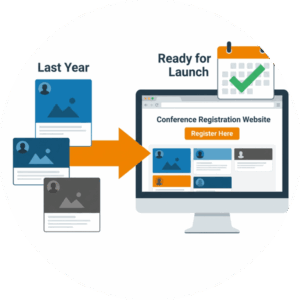 If your 2027 conference lands in May or June, your registration site is going up in the next couple of months. Deciding now that a social feed belongs on that page means it’s ready to go when the site launches, instead of being something you try to squeeze in later.
Start by gathering the strongest posts from your last event so the page has content on day one. Then plan the handoff: highlights at launch, speaker and community posts during promotion, the live wall during the days of the event, and a recap when it’s over. Four small decisions, made once, and the feed carries its weight all the way through.
Your best conference marketing isn’t a tagline you have to write. It’s what last year’s attendees already posted, waiting on their accounts for you to put it where the next round of registrants will see it.
Ready to put real attendee posts on your conference registration page? Everwall’s Social Wall for Websites lets you build a feed that matches your page, updates in real time, and pulls from 16 content sources. And if you’re already running an Everwall social wall for your event, the website embed is included at no extra cost, so your registration page feed usually comes free with your event purchase. Take a look and get it ready before your 2027 site goes live.
Pretty good, right? Share this with your people.


