


Event Engagement Checklist for Planners
Published on March 16, 2026
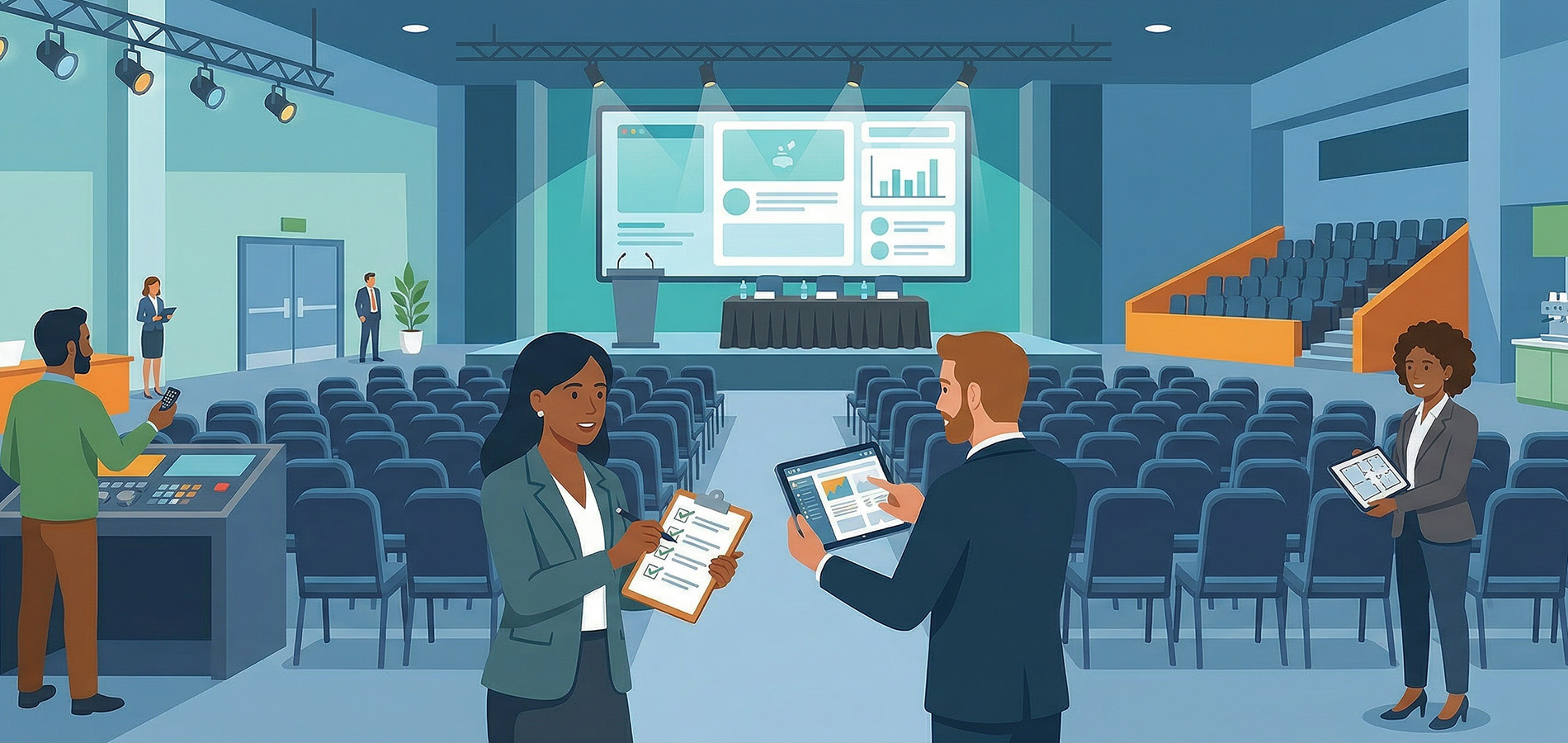
Walk into any event, and you’ll see the same thing: some attendees are leaning in, taking photos, asking questions, and sharing on social media. Others are checking their phones, watching the clock, or mentally planning their escape.
What separates these two groups? It’s not the content. It’s not even the venue. The difference is whether someone deliberately planned for engagement or simply hoped it would occur.
Most event planners spend weeks coordinating logistics. They confirm catering, arrange seating, schedule speakers, and test audiovisual equipment. But engagement? That often gets treated as an afterthought. Something that should just emerge naturally when people gather in a room.
It doesn’t work that way.
This article provides a practical event engagement checklist that treats audience participation as something you design, not something you wish for. Use it to diagnose weak spots in your current approach and build participation into every phase of your event.
Understanding Engagement vs. Participation
Before diving into the checklist, let’s clear up a common confusion. Participation and engagement are related but not identical.
 Participation is the action. It’s raising a hand, posting a photo, filling out a survey, or walking up to a booth.
- Engagement is the feeling behind the action. It’s curiosity, excitement, belonging, or investment in what’s happening.
You can have participation without engagement. Think of attendees who reluctantly answer a poll because the emcee keeps asking. They participated, but they weren’t engaged.
You can also have engagement without participation. Someone might be completely absorbed in a keynote speech, but if there’s no way for them to act on that interest, you’ll never know.
The goal is to create conditions where engagement leads to participation and participation deepens engagement. Your event engagement checklist should address both sides of this equation.
Before the Event: Setting the Stage for Participation
Engagement starts before anyone arrives at your venue. The pre-event phase shapes expectations and gives attendees a reason to show up ready to participate.
Define What You Want Attendees to Do
Be specific. “We want people engaged” is too vague. Instead, identify concrete actions:
- Post photos using a specific hashtag
- Submit questions for speakers in advance
- Complete a pre-event survey
- Connect with other attendees through an app
Each action you want requires a clear prompt, easy access, and a reason to do it.
Communicate Expectations Early
Attendees can’t participate in ways they don’t know about. Your pre-event communications should tell people:
- What interactive elements to expect
- Which hashtags or handles to use
- How their participation will be visible or valued
- Any technology they should download or set up beforehand
A simple email that says “Join the conversation at #YourEventHashtag and you might see your post on our main stage display” accomplishes more than a generic “See you there!” message.
Create Pre-Event Prompts
Give attendees something to do before they arrive. This builds anticipation and gets people into a participatory mindset.
Effective pre-event prompts include:
- “Share your biggest question about [topic] before the event”
- “Post a photo of your preparation and tag us”
- “Tell us what you’re most excited to learn”
These prompts do more than generate content. They help attendees start thinking of themselves as contributors rather than spectators.
Test Your Technology
Nothing kills engagement faster than technical problems. If you’re using any digital tools for audience interaction, test them thoroughly. Make sure your wifi can handle the expected load. Verify that displays are positioned where attendees can actually see them.
For more on selecting the right tools, see our guide on audience engagement tools.
During the Event: Creating Moments That Invite Action
The live event is where your planning pays off or falls apart. This section of your event engagement checklist focuses on creating clear opportunities for participation and removing obstacles that prevent it.
Design Specific Engagement Moments
Don’t leave participation to chance. Build dedicated moments into your schedule where you actively invite attendee input.
Strong engagement moments share certain traits:
 Clear instructions on what to do
- Visible results that show participation matters
- Low barriers to entry
- Time allocated specifically for the activity
For example, instead of hoping people will post during a keynote, build in a two-minute pause where the speaker says, “Take a moment to share your biggest takeaway so far using #EventHashtag. We’ll highlight some responses after the break.”
Remove Friction at Every Step
Every extra step between an attendee and participation is a point where you’ll lose people. Audit your engagement opportunities for friction:
- Does posting require logging into an app they haven’t downloaded?
- Do they need to remember a complicated hashtag?
- Is the wifi strong enough for photo uploads?
- Are instructions visible and easy to follow?
The easier you make it, the more people will do it.
Use Visual Cues and Prompts
Attendees won’t participate if they don’t know how. Display prompts prominently throughout your venue:
- Screens showing the hashtag and examples of what to post
- Signage near photo opportunities explaining how to share
- Verbal reminders from emcees and speakers
- Staff available to help people who seem unsure
Repetition matters. People need to see a prompt multiple times before they act on it.
Make Participation Visible
When attendees see others participating, they’re more likely to join in. This creates a positive cycle where engagement generates more engagement.
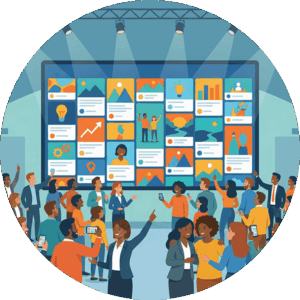
Platforms like Everwall help execute this part of the checklist by collecting content from multiple sources, including social networks, web forms, and SMS. The content displays in real-time on screens throughout your venue, showing attendees that their contributions matter. Built-in moderation tools keep displays appropriate while letting the authentic energy of attendee posts shine through.
This visibility serves another purpose: it validates participation. When someone sees their photo or comment on a big screen, they feel recognized. That feeling often leads to more participation, both from them and from others who notice.
Collect Content Beyond Social Media
Not everyone uses social media. Some attendees prefer not to post publicly, while others may not have accounts on the platforms you’re monitoring.
Offer alternative participation channels:
- Web forms where people can scan a QR Code to get to it easily and then submit text or photos
- SMS options for sending content via text message
- Dedicated photo stations with simple upload processes
This approach makes engagement accessible to your entire audience rather than just the portion active on specific platforms. Everwall supports both QR Codes/Web forms and SMS, in addition to all the common social networks.
After the Event: Following Up and Reusing Engagement
Many planners treat the end of an event as the end of engagement. That’s a missed opportunity. What happens after your event can extend its impact and set up future success.
Send Timely Follow-Up
Contact attendees while the experience is fresh. Your follow-up should:
- Thank them for participating
- Share highlights from the event, especially user-generated content
- Include a feedback survey
- Provide resources mentioned during sessions
- Announce future events or ways to stay connected
The timing matters. A follow-up sent three weeks later feels disconnected from the experience. One sent within 48 hours keeps the momentum going.
Repurpose Engagement Content
All those photos, posts, and comments your attendees created represent valuable content. With proper permissions, you can use this material for:
- Post-event recap videos or slideshows
- Social proof on your website
- Promotional materials for future events
- Reports for stakeholders and sponsors
This is another area where having the right tools helps. Everwall allows you to save and export the content displayed during your event, making it available for these future uses. The included social media hub feature also lets you embed curated content on your website, extending the life of attendee contributions.
For ideas on making your website more engaging with this content, read about social media hubs for websites.

Analyze What Worked
Review your engagement metrics and identify patterns:
- Which sessions generated the most participation?
- What types of prompts got the best response?
- Where did participation drop off?
- What feedback did attendees provide?
Use these insights to improve your next event. Engagement planning should be iterative, getting better each time based on real data.
Common Failure Points in Event Engagement
Even with a solid checklist, certain mistakes consistently undermine engagement efforts. Watch for these patterns.
Unclear Prompts
“Share your thoughts” is not a prompt. It’s a suggestion that most people will ignore. Compare it to “Post a photo of yourself at the coolest exhibitor booth and be sure to use #EventHashtag!” The second version tells people exactly what to do.
Vague prompts put the cognitive burden on attendees. Specific prompts make participation easy.
Too Much Friction
Every obstacle reduces participation. Common friction points include:
- Requiring account creation or app downloads
- Using hard-to-remember hashtags
- Poor venue wifi
- Engagement opportunities that compete with content people came to see
- Insufficient instructions
Audit your event from an attendee’s perspective. Walk through every participation opportunity and count the steps required.
One-Way Communication
Events that talk at attendees rather than with them struggle with engagement. If your sessions are all presentation with no interaction, people fall into passive mode.
Build in moments where attendees become contributors. Q&A sessions, live polls, discussion groups, and social sharing opportunities all shift attendees from audience to participant.
Failing to Acknowledge Participation
When people contribute and nothing happens, they stop contributing. Make sure participation gets recognized:
- Display submitted content where everyone can see it
- Have speakers reference audience input
- Thank people for their contributions
- Feature standout posts or comments
Recognition validates the effort people put into participating.
Not Planning for Different Comfort Levels
Some attendees will eagerly post on social media. Others won’t touch it. Some love speaking up in groups, while others prefer quieter forms of contribution.
Effective event engagement planning offers multiple participation pathways. Someone uncomfortable posting publicly might happily submit through a private web form. A person who won’t raise their hand might eagerly respond to a live poll.
As discussed in our article on audience participation, designing for different comfort levels significantly increases overall engagement.
Your Event Engagement Checklist Summary
Use this condensed checklist to plan your next event:
Before the Event
- Define specific participation actions you want
- Communicate expectations and hashtags to attendees
- Create pre-event prompts to build momentum
- Test all technology and backup plans
During the Event
- Schedule dedicated engagement moments
- Display clear prompts throughout the venue
- Remove friction from every participation opportunity
- Make attendee contributions visible in real-time
- Offer multiple ways to participate beyond social media
After the Event
- Send follow-up communication within 48 hours
- Repurpose attendee content appropriately
- Analyze engagement patterns for future improvement
- Maintain connection with attendees between events
Engagement improves when you plan for it with the same rigor you bring to logistics. The tools exist. The methods work. What matters is treating participation as something you design, not something you leave to chance.
Ready to make attendee participation visible and easy? Everwall’s event social walls collect content from 15 different sources, display it in real-time, and give you moderation control to keep everything on-brand. Turn your next event into an interactive experience where every attendee can contribute.
Pretty good, right? Share this with your people.


