


How to Show or Hide an Event Agenda on your Social Wall
With Everwall, you can easily show and hide an Event Agenda on your Social Wall, giving you full control over when your event schedule is visible to your audience. This flexibility allows you to highlight the agenda during key moments of your event and hide it when it’s no longer needed.
How to Show and Hide an Event Agenda on your Social Wall
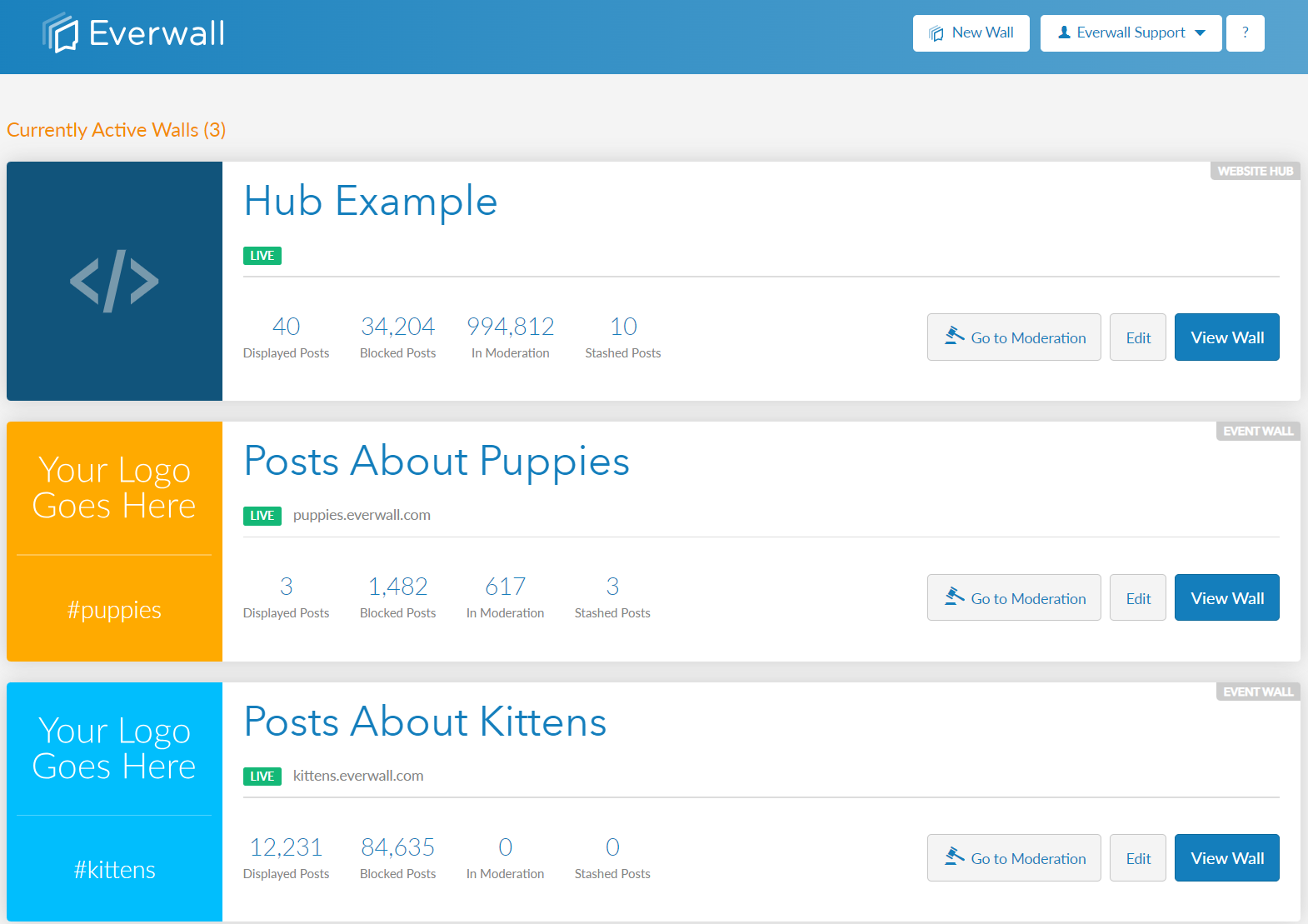
Step 1: Select the wall you want to show or hide your event agenda.
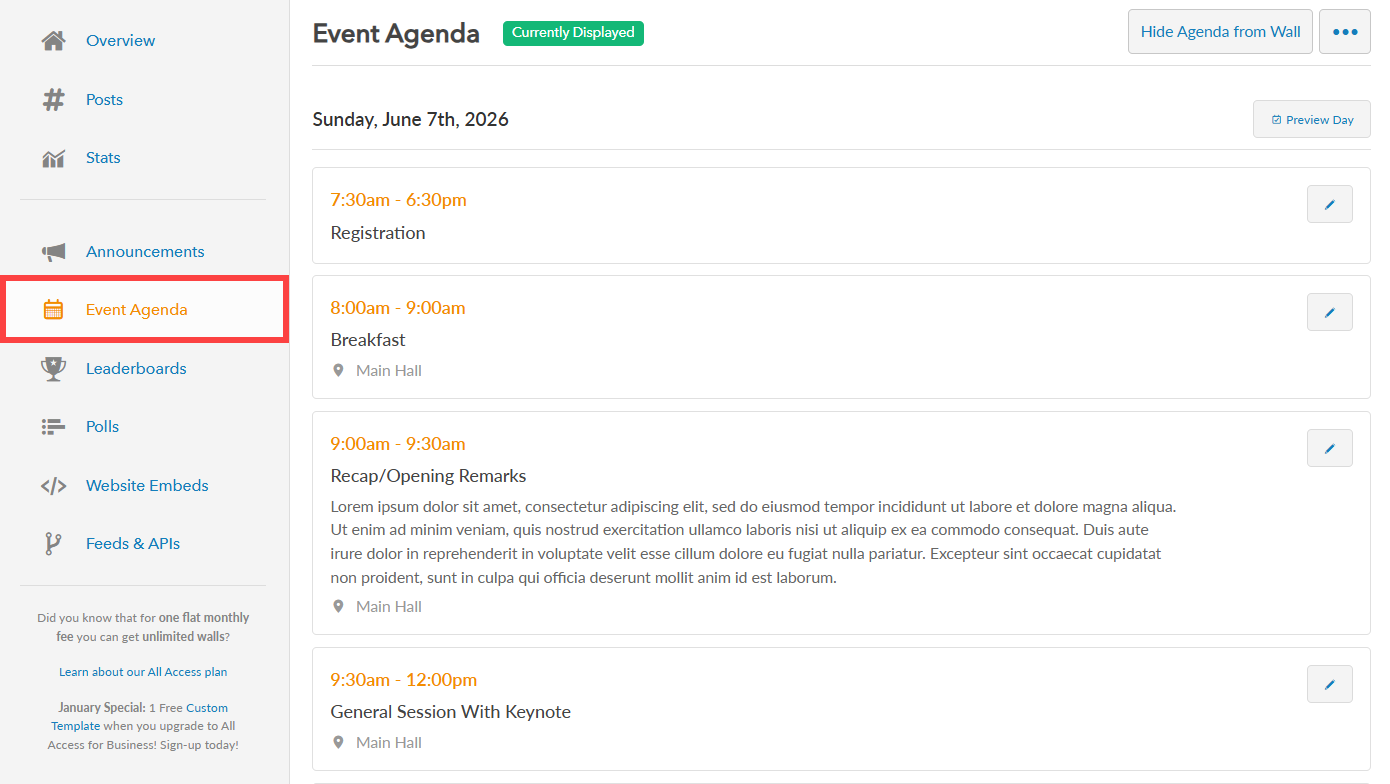
Step 2: In the side menu, click “Event Agenda” to view your existing event agenda. If you see a green tag saying “Currently Displayed” next to the page heading, then the agenda is being shown on your social wall at the moment. If that is missing, then the agenda is not being displayed currently.
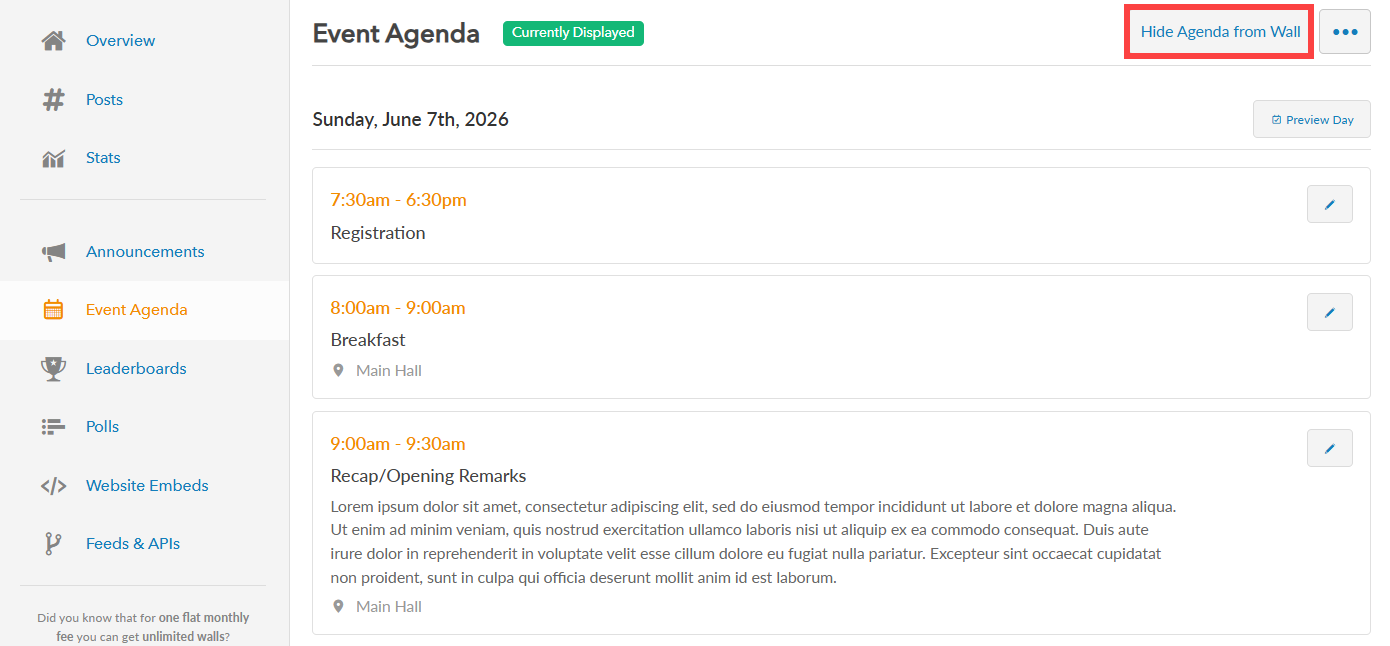
Step 3: In the Event Agenda page, you can click the “Hide Agenda from Wall” or “Show Agenda from Wall” button to hide or show your event agenda. The button will automatically change based on if the agenda is being shown on the wall or not.
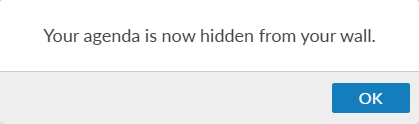
Step 4: Once clicked, you will be notified that the agenda has been shown or hidden on your wall.
Still have questions? Get in touch.