


How to Delete an Entire Event Agenda
Deleting an agenda will permanently remove the entire schedule, along with all associated agenda items and settings, from your Social Wall. This action is useful if an agenda is no longer needed, helping you keep your wall organized and up to date. We also have a tutorial if you only need to delete a single agenda item.
How to Delete Your Entire Event Agenda
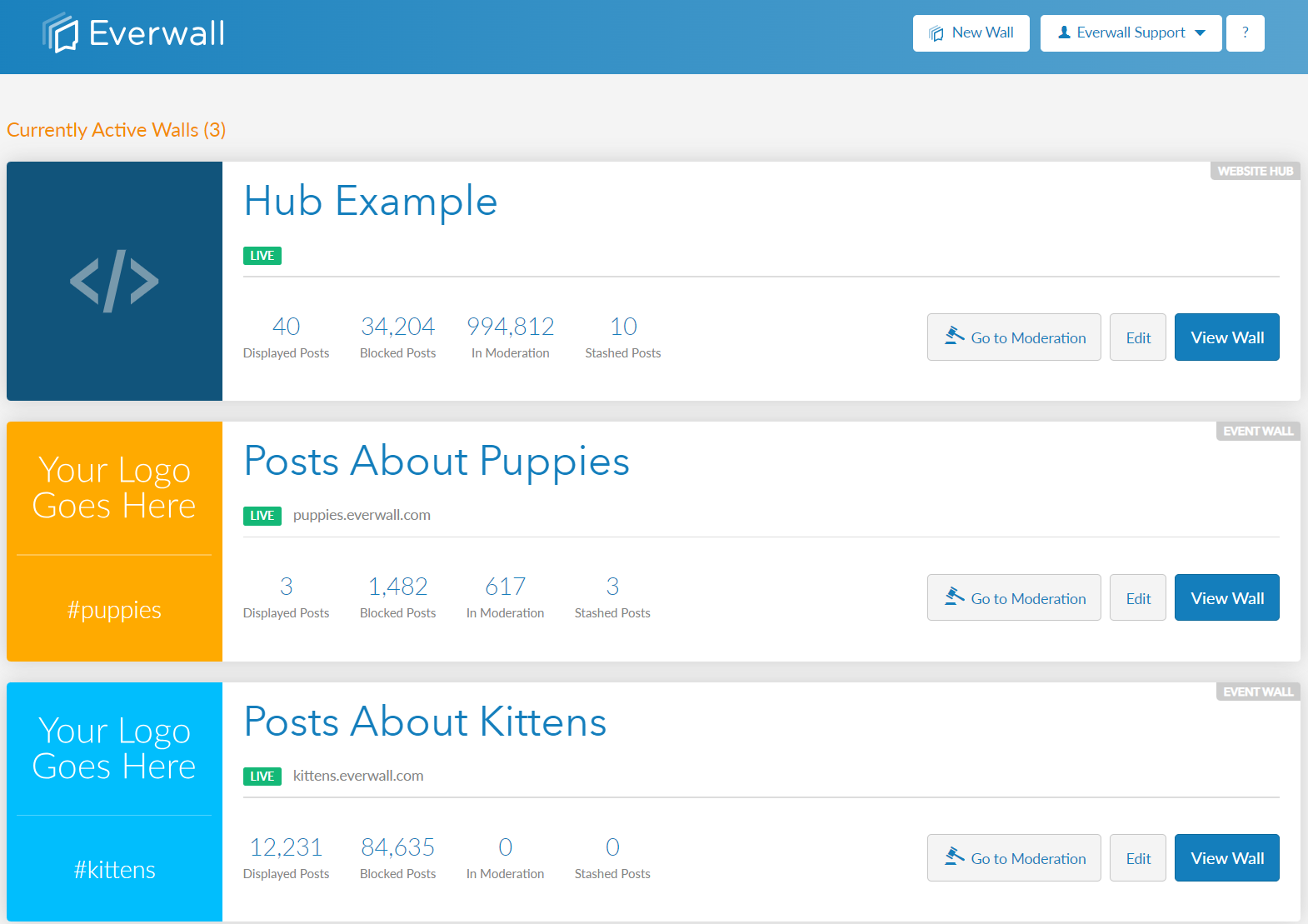
Step 1: Select the social wall that has the event agenda you want to entirely delete.
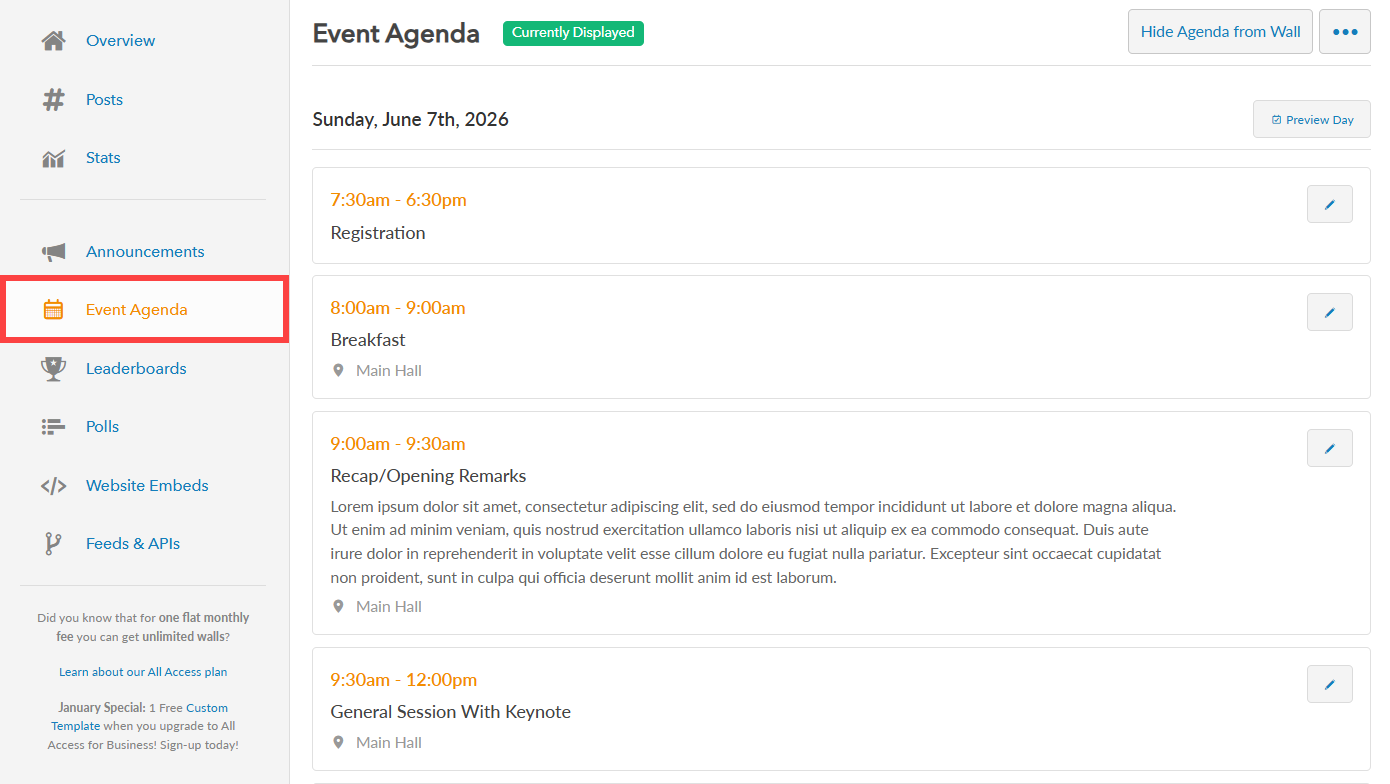
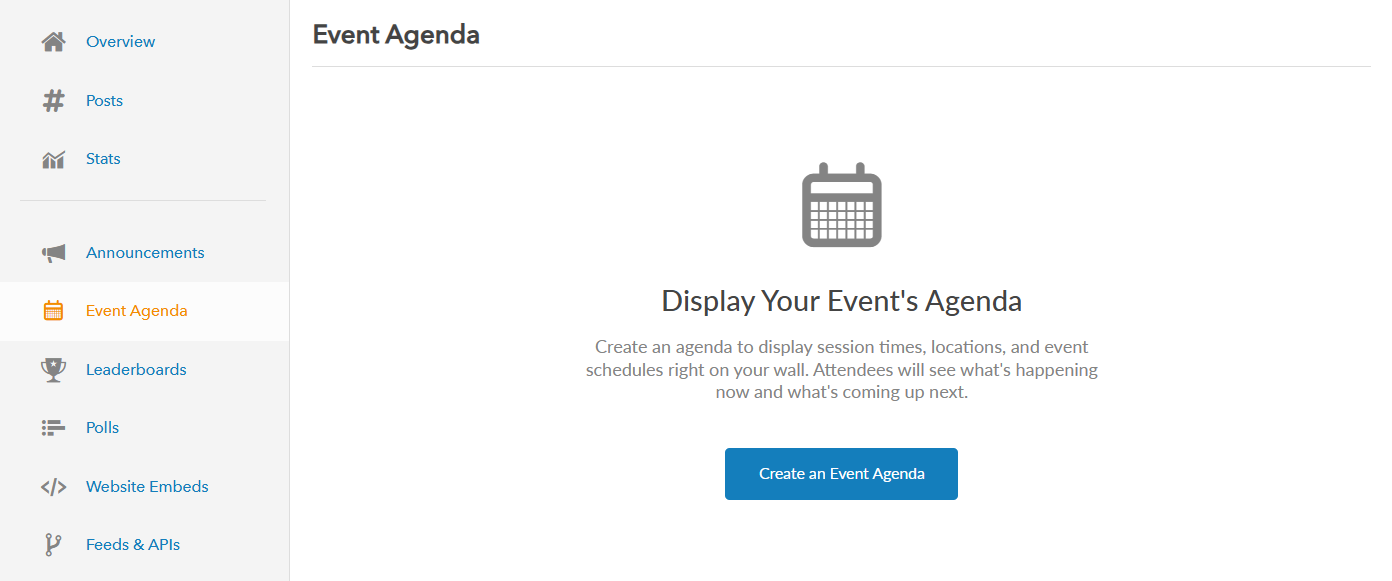
Step 2: In the side menu, click “Event Agenda” to view your existing event agenda.
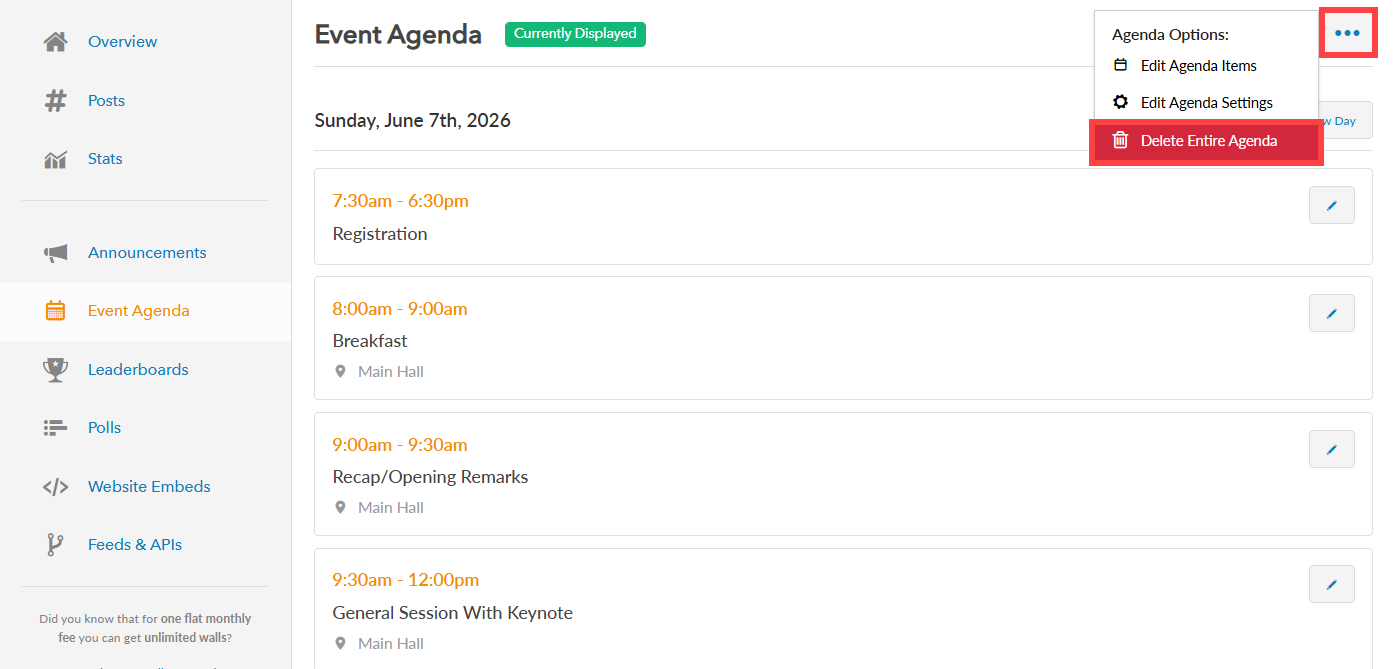
Step 3: To delete the entire Event Agenda, click the more button (represented by three dots) to view more options and select “Delete Entire Agenda”. This action will permanently delete all of the current design and display settings, and all related agenda items. You will have to recreate everything if you wish to use the agenda feature in the future.
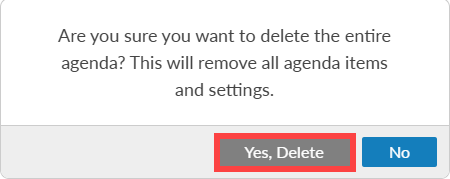
Step 4: A confirmation message will appear asking if you want to delete the entire agenda. Click “Yes, Delete” to permanently remove the agenda, or click “No” to cancel and keep it.
Step 5: Once the agenda is deleted, the entire Event Agenda along with all its settings will be permanently removed. You will then have the option to create a new agenda from scratch if needed.
Still have questions? Get in touch.